
How to Black Out and Redact Sensitive Information in PDF Documents Permanently
Drawing a black rectangle over sensitive text in standard PDF viewers is extremely dangerous because the underlying text layer remains selectable, copyable, and searchable underneath. True redaction requires permanently deleting the underlying vector text glyphs and rasterizing that specific region. EditPDFKit provides true cryptographic sanitization 100% inside your browser.
Every year, court filings, government disclosures, and corporate documents leak sensitive information because someone drew a black rectangle over a Social Security number in a basic PDF viewer and assumed that was enough. It isn't. A black box drawn with most annotation tools is just another layer sitting on top of the page — the original text is still there underneath, fully intact, fully selectable, and recoverable by anyone who knows to press Ctrl+A to select all text on the page, or who opens the file in a different PDF editor that simply deletes the annotation layer and reveals what was hidden beneath it. This isn't a hypothetical; it's a well-documented failure mode that has exposed real confidential data in real legal and government filings.
True redaction has to work at a completely different level: it needs to physically remove the underlying text characters and image data from the document's internal structure, not just visually cover them.
Open Redact PDF now
Step by step
4 steps- 1
Load the Document With Sensitive Data
Drop the PDF holding the private information into the Redact PDF tool. It opens straight into the page view so you can jump to wherever the sensitive content sits.
Open Redact PDF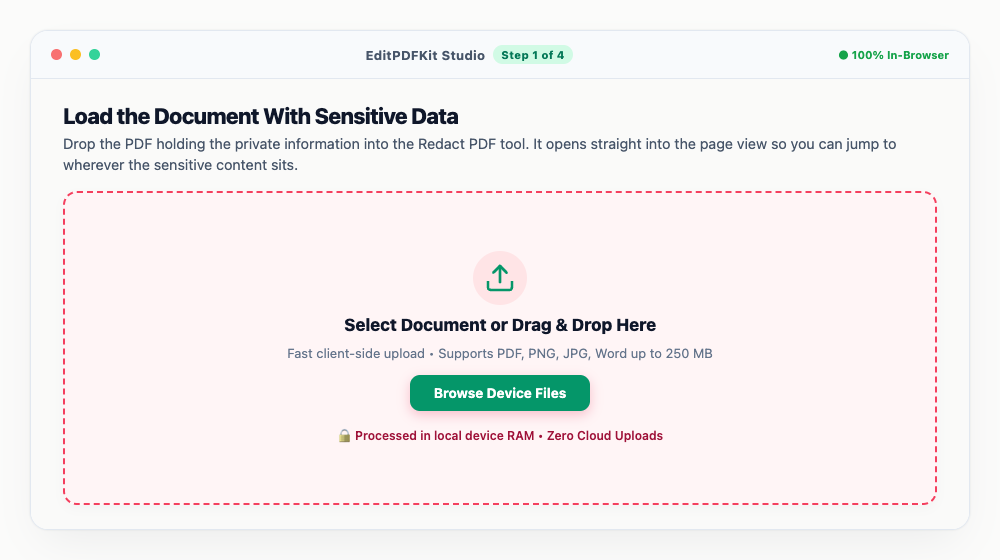
Skip ahead to the specific page instead of scrolling — redaction is usually concentrated on one or two pages, not spread across the whole file.
- 2
Box Out What Needs to Disappear
Click and drag over each piece of private data — Social Security numbers, bank details, home addresses, confidential pricing — to mark it for redaction.
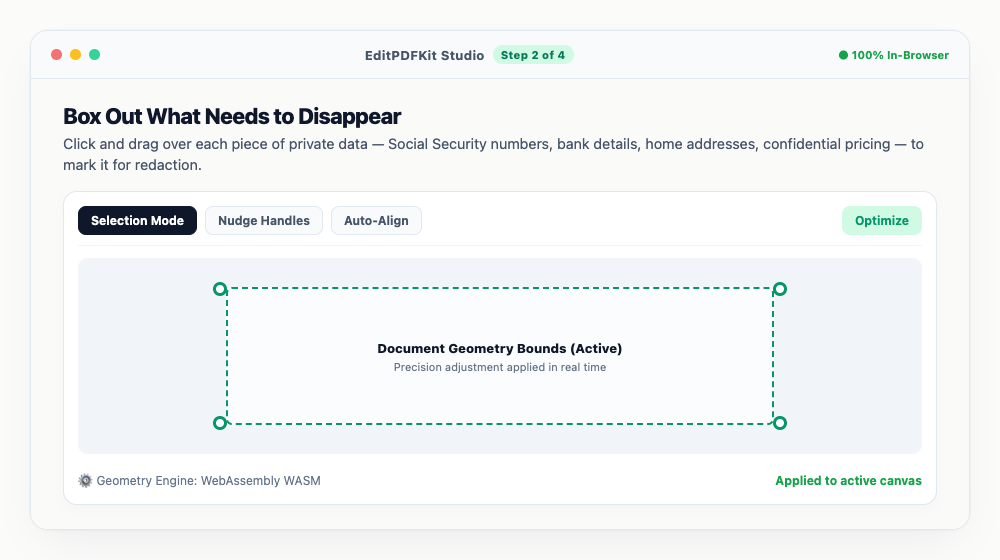
Solid black blocks or white-out blocks are both available; pick whichever matches how the document is meant to look once it's sanitized.
- 3
Double-Check Every Marked Area
Scan back through the document to confirm every sensitive spot got boxed, adding more redaction rectangles on additional pages if the same information repeats.
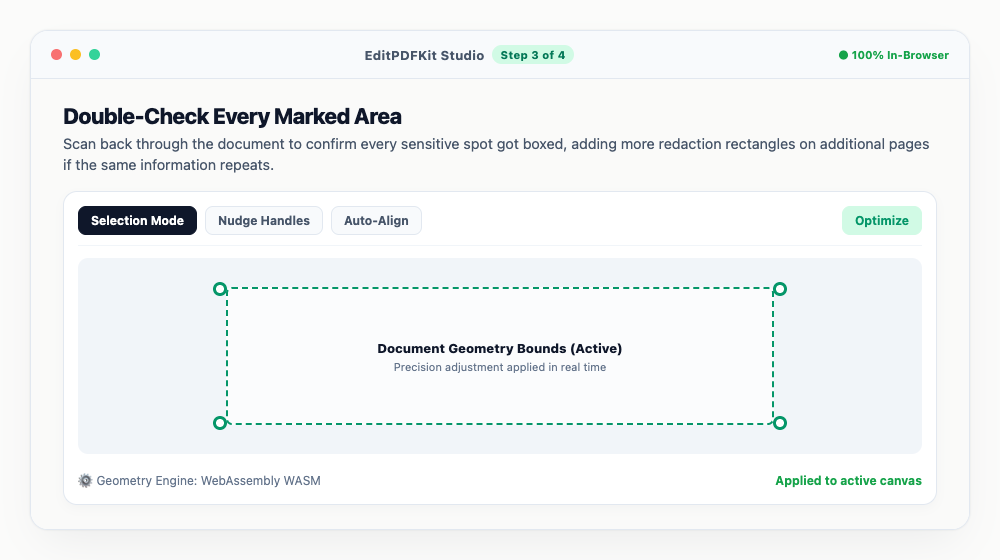
Headers, footers, and margins are easy to overlook — account numbers and names often repeat there even after the main body text is handled.
- 4
Finalize and Export the Sanitized File
Hit 'Apply Redactions & Download.' This permanently destroys the underlying vector characters beneath each box, not just visually covers them.
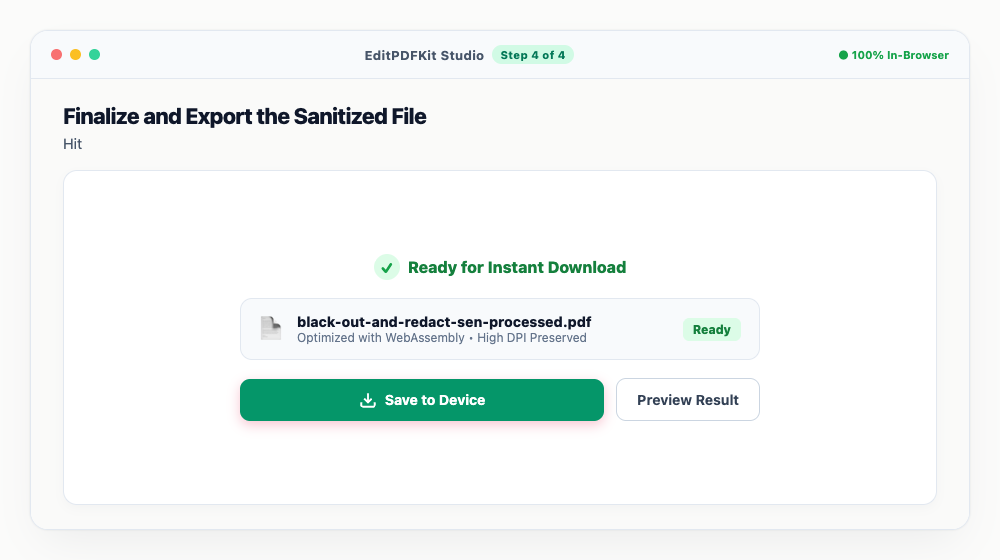
Try searching or selecting the redacted text in the downloaded file — it should turn up nothing, confirming the data is actually gone.
Why use EditPDFKit for this
- True Deep Redaction: permanently purges underlying text, glyphs, and coordinates from the PDF stream
- Prevents Copy-Paste Leaks: redacted text cannot be copied, highlighted, or indexed by search engines
- Metadata Sanitization: automatically clears author names, revision history, and hidden XMP streams
- 100% Private: confidential medical records and tax returns never touch an external server
What Is True PDF Redaction?
True redaction means permanently deleting the underlying text glyphs, coordinates, and image data from a PDF's content stream — not just drawing a black rectangle on top of them. A PDF page is built from a sequence of low-level drawing instructions; a black box drawn in a standard viewer just adds one more instruction ('draw a rectangle here') without removing the instructions that placed the sensitive text underneath, which stays fully present, selectable, and recoverable. EditPDFKit's Redact PDF tool goes back into that content stream and physically removes the glyph-placement and image data within the selected region, so there's nothing left to find.
When People Reach for This
Lawyers filing court exhibits need to black out privileged information without risking that opposing counsel can simply select and copy the 'hidden' text, while accountants sharing tax forms and HR teams redacting employee data both deal with documents where a single overlooked field — a Social Security number, a salary figure — can constitute a real data breach. Individuals sharing ID proofs face a smaller-scale version of the same risk whenever a document shows more personal information than the specific request actually needed.
In every case, the stakes are the same: a redaction that merely looks complete but leaves recoverable text underneath is often worse than no redaction at all, since it creates false confidence that something has been protected when it hasn't.
Built-In Features That Help
True Deep Redaction permanently purges the underlying text, glyphs, and coordinates from the PDF stream itself, which is what actually Prevents Copy-Paste Leaks — redacted content can't be selected, copied, or indexed by search engines because it genuinely no longer exists in the file. Metadata Sanitization closes the second common leak: author names, revision history, and hidden XMP streams get cleared automatically, since a document that redacts a name in the visible text but leaves it in the author field hasn't actually protected anything.
The redaction box also works over any region regardless of content type — drag it over a photo, barcode, or signature exactly the same way you would over a line of text.
Why This Approach Is Effortless
The process is four steps — load the document, box out what needs to disappear, double-check every marked region, then apply and export — with no account or software install required. Because the sanitization runs entirely in your browser, a legal exhibit, medical record, or tax filing never has to be uploaded anywhere just to be redacted, which matters as much as the redaction technique itself for documents this sensitive.
Frequently asked questions
Why is drawing a black shape over text in Word or Preview unsafe?
Drawing a shape only places a visual graphic over the top layer. Anyone who opens the PDF can still press Ctrl+A, copy the text underneath, or use a PDF editor to delete the black box and reveal the hidden text. True redaction physically deletes the text bytes from the file.
Can someone reverse the redactions made by EditPDFKit?
No. Once EditPDFKit applies redaction, the characters and images under the redaction zone are permanently removed from the document's binary structure and cannot be recovered.
Does redacting remove document metadata as well?
Yes. Our sanitization engine strips hidden author names, timestamps, and XMP streams to prevent metadata leakage.
Do I need to install any software to black out and redact sensitive information in pdf documents permanently?
No software download is necessary. The entire process — black out and redact sensitive information in pdf documents permanently — runs directly inside your web browser using our redact pdf tool, powered by WebAssembly. It works without an account, an extension, or any download.
Is this approach suitable for lawyers filing court exhibits?
Absolutely. This is a frequent need for lawyers filing court exhibits, accountants sharing tax forms, hr teams redacting employee data, and individuals sharing id proofs. Your file stays local throughout, on desktop, Android, or iOS alike.
Can I redact an image region, like a face or barcode, not just text?
Yes. The redaction box works over any region of the page regardless of content type — drag it over a photo, signature, barcode, or logo exactly the same way you would over a line of text, and that area is permanently destroyed in the output.
Is this redaction safe for court filings and official e-filing portals?
Yes. Because the characters, glyph coordinates, and image data inside each box are stripped out of the content stream rather than covered up, and hidden metadata layers are cleared at the same time, the exported file is safe for legal discovery, regulatory disclosure, and court or government e-filing submissions.
Can I use a white-out block or a CONFIDENTIAL stamp instead of a solid black box?
Yes. Each redaction region can be rendered as a solid black fill, a white-out block that blends into the page, or a labelled stamp such as CONFIDENTIAL or REDACTED. The style only changes what the reader sees — the underlying text and image data are destroyed identically in every case.
Redaction is one of the few PDF tasks where getting it 'mostly right' is functionally the same as not doing it at all — partial redaction that still exposes recoverable text is arguably worse than no redaction, because it creates false confidence. Because this entire process runs locally in your browser, a legal exhibit, a medical record, or a tax filing never has to be uploaded anywhere to be sanitized, which matters just as much as the redaction technique itself when the document is this sensitive.
Pairs well with
Pixelate / Redact Image
Drag a box over a face or an account number and pixelate it away, destructively, in the exported file.
Protect PDF (Encrypt)
Set an open password, decide what readers may print or copy, and write a genuinely encrypted PDF.
Remove PDF Metadata & EXIF Cleaner
Clear author names, timestamps and software traces from a PDF, or wipe GPS and camera data out of a photo.
Related posts
Form Flattening & Locking
How to Flatten Fillable PDF Forms & Lock Annotations Before Submitting
Document Security
How to Password Protect and Encrypt a PDF Document
Privacy & EXIF
How to Remove GPS Location, Camera EXIF and Hidden Metadata from Photos Online
Data Privacy & Security
How to Use EditPDFKit Privacy Vault for 100% Private Offline Document Management
PDF Security
How to Unlock Password-Protected PDFs and Remove Restrictions Online Free