
How to Sign PDF Contracts and Forms Electronically Without Printing or Scanning
Printing a 20-page agreement just to sign the last page and scan it back is a huge waste of paper and time. With EditPDFKit's Edit PDF Studio, you can open any contract, draw your signature with your mouse or touchscreen, place official date stamps, and export a legally compliant PDF in under a minute.
The print-sign-scan ritual persists for contracts mostly out of habit rather than necessity: someone receives a 20-page lease or employment agreement as a PDF, prints the whole thing just to physically ink-sign the final page, then scans it back in — usually on a home scanner or phone camera that introduces skew, uneven lighting, and a visible drop in document quality compared to the original. For a one-off this is merely annoying; for a freelancer signing a new client contract every month, or an HR team processing a steady stream of offer letters, it adds up to real time and paper waste for a task that should take under a minute.
Electronic signing skips every physical step. Instead of printing, the signature — drawn, typed, or uploaded — gets placed directly into the PDF's own content as a positioned element, at the exact size and location you choose, and the document never leaves digital form at any point in the process.
Open Edit PDF now
Step by step
4 steps- 1
Load the Agreement
Open Edit PDF and drop your contract or offer letter into the canvas.
Open Edit PDF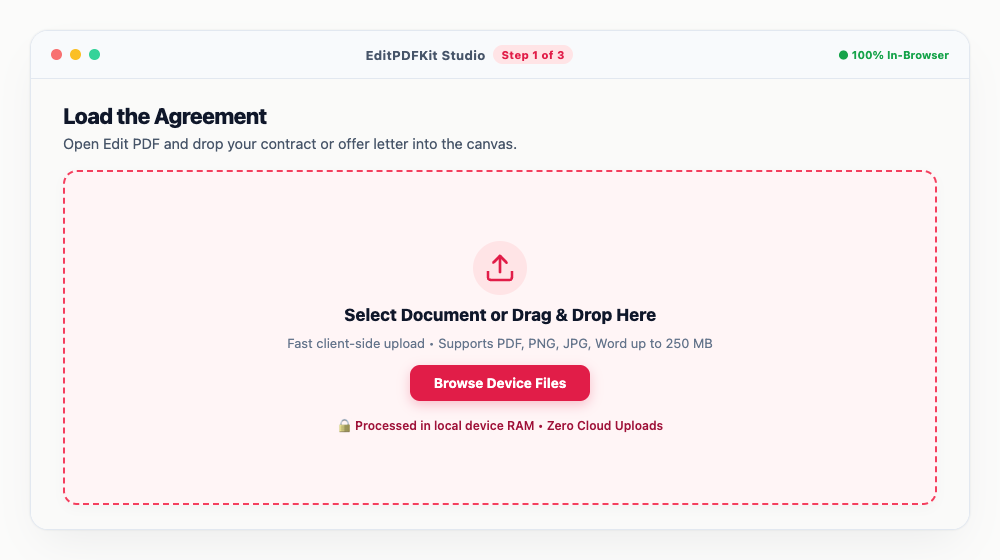
The thumbnail sidebar on the left gets you straight to the signature page without scrolling through the whole thing.
- 2
Open the Signature Tool
Pick 'Sign' from the annotation toolbar, then choose between drawing with your mouse or touchscreen, or uploading a photo of your actual signature.
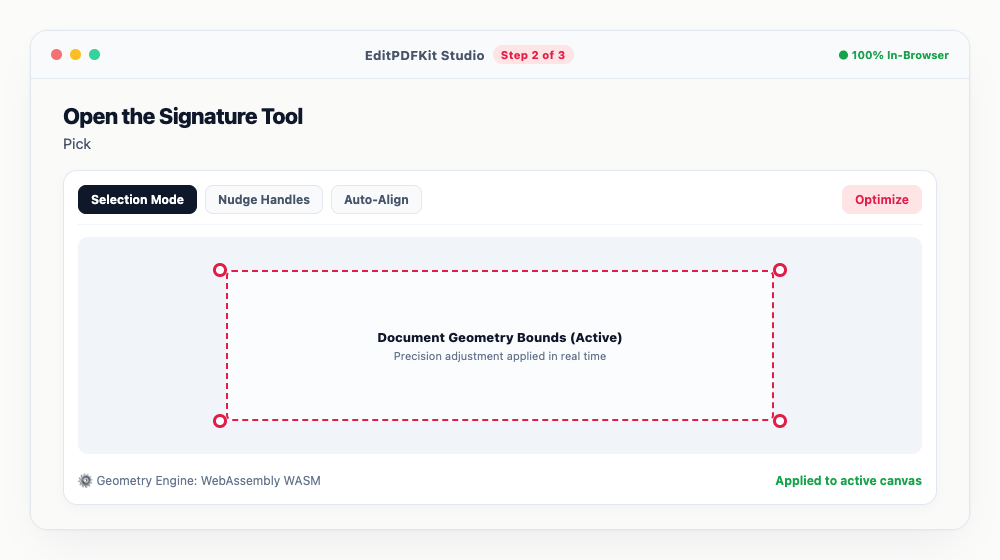
Save it once and reuse it with a single click on every page that still needs signing.
- 3
Place It and Add Any Date Stamps
Drag the signature onto the line, resize with the bounding box handles, then drop in a date or initials wherever the document requires them.
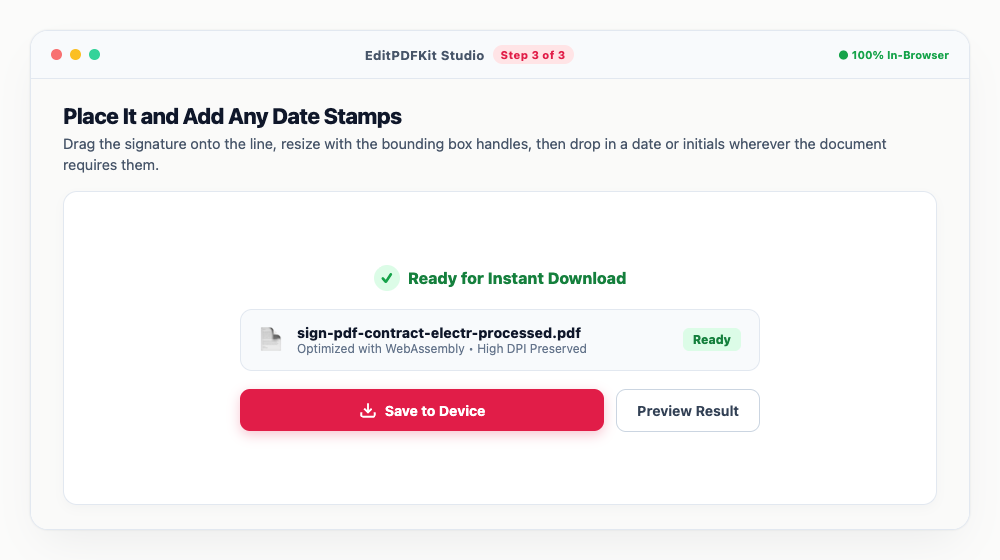
Ink color can switch between professional blue and standard legal black, whichever your document calls for.
- 4
Export the Signed Contract
'Save & Download PDF' finalizes everything — every signature gets permanently flattened into the PDF's vector layer.
For an extra layer before emailing, run the signed file through Protect PDF to add a password.
Why use EditPDFKit for this
- Multi-signature support: draw with mouse/stylus, type with cursive font, or upload photo of ink signature
- Add date stamps, checkmarks, and full legal name fields anywhere on the page
- Vector smoothing algorithm: drawn signatures appear crisp, natural, and non-pixelated
- 100% Client-Side Privacy: confidential contracts and NDAs never touch a cloud server
What Is Signing a PDF Without Printing?
Signing a PDF without printing means placing a drawn, typed, or uploaded signature directly into the document's own content, at the exact size and position you choose, without ever converting it to paper and back. The print-sign-scan ritual persists mostly out of habit: printing a 20-page lease just to ink-sign the final page and scanning it back in introduces skew, uneven lighting, and a visible drop in quality compared to the original digital file.
Electronic signing skips every physical step — the document never leaves digital form at any point, and the result stays exactly as sharp as the original PDF.
Who Typically Uses This
Freelancers, tenants signing leases, small business owners, and remote employees signing onboarding forms all need to sign documents regularly without the overhead of a printer and scanner. A freelancer signing a new client contract every month doesn't want to repeat a print-sign-scan cycle for each one. A tenant signing a rental lease agreement often needs to return it quickly, sometimes from a phone with no printer access at all.
A small business owner approving vendor agreements and remote employees signing onboarding paperwork for a new job both need the same core capability: place a signature, finalize the document, and send it back — all without physical paper ever entering the process.
The Features Behind This Workflow
Multi-signature support covers drawing with a mouse or stylus, typing with a cursive font, or uploading a photo of an ink signature, so however you prefer to sign is available. Adding date stamps, checkmarks, and full legal name fields anywhere on the page rounds out what a contract typically needs beyond just the signature line itself.
The vector smoothing algorithm keeps drawn signatures crisp and natural rather than pixelated, and because everything runs client-side, confidential contracts and NDAs never touch a cloud server during the signing process.
Why This Workflow Just Works
The process is four steps: load the agreement, open the signature tool and create your signature, place it and add any date stamps, and export the signed contract. The thumbnail sidebar gets you straight to the signature page without scrolling through a long document, and a saved signature can be reused with a single click on every page that still needs it.
There's no account to create and no monthly subscription like a paid e-signature service — the whole workflow finishes in under a minute, and running the signed file through Protect PDF afterward adds a password layer before emailing it on.
Frequently asked questions
Are electronic signatures on PDFs legally valid?
Yes. Electronic signatures are legally recognized under the US ESIGN Act, the EU eIDAS regulation, the Indian IT Act 2000, and equivalent global electronic commerce laws for standard commercial agreements.
Can someone remove my signature from the downloaded PDF?
When you export from EditPDFKit, your signature is baked directly into the PDF content stream, preventing simple 1-click removal.
Do I need to create an account or pay a monthly subscription like DocuSign?
No. EditPDFKit is completely free, unlimited, and requires zero account creation or credit card entry.
Signing a contract electronically only feels unfamiliar the first time — after that, it's open the PDF, place your signature, flatten, and download, with the whole document staying in digital form the entire time instead of making a round trip through a printer and scanner. For an extra layer of protection on a sensitive agreement, pass the signed file through the Protect PDF tool afterward to add a password before emailing it on.
Pairs well with
Bates Numbering
Burn a prefixed, zero-padded number like DOC-00001 into a corner of every page, one increment per page.
Compare Two PDFs
Extract the text from an original and a revised PDF and read the line-by-line differences in one highlighted stream.
Compress PDF to 100KB
Reduce PDF file sizes under 100KB for government portals, exams, and job applications.
Related posts
PDF Editing
How to Edit Existing Text in a PDF and Add a Digital Signature
Productivity & Alternatives
How to Edit PDF Text and Sign Documents Without Paying for Adobe Acrobat
Digital Signatures
How to Add a Digital Signature to PDF Contracts Online Free (Legally Compliant)
Form Flattening & Locking
How to Flatten Fillable PDF Forms & Lock Annotations Before Submitting
PDF Management
How to Merge Multiple PDF Files into One Document Online