
How to Add Unified Page Numbers to PDF Files (Page X of Y & Custom Formats)
When you merge multiple reports, scanned certificates, and appendices into a single PDF, the individual page numbers become inconsistent or missing altogether. EditPDFKit's Page Numbers tool allows you to stamp unified, professional page numbering across any multi-page PDF document with custom positioning, formats (Page X of Y, 1/N), margins, and cover-page exclusions.
Merge a cover page, a scanned signature appendix, three separate reports, and a certificate exhibit into one PDF, and you end up with a document where page numbering is either completely absent or a confusing mess of four different numbering schemes stitched end to end — the original report's 'Page 3 of 12' sitting right next to the appendix's own 'Page 1.' For anything that needs to be referenced precisely — a dissertation someone will cite by page, a legal exhibit a judge needs to find quickly, a bound report with a table of contents — that's a real usability problem, not just a cosmetic one.
The fix is to stamp one consistent numbering scheme across the entire merged document, independent of whatever numbering (or lack of it) existed in the original source files.
Open Add Page Numbers to PDF now
Step by step
4 steps- 1
Bring In the Document That Needs Numbering
Drop your PDF into the Page Numbers tool — whether it's a 2-page memo or a 500-page thesis, it loads the same way.
Open Add Page Numbers to PDF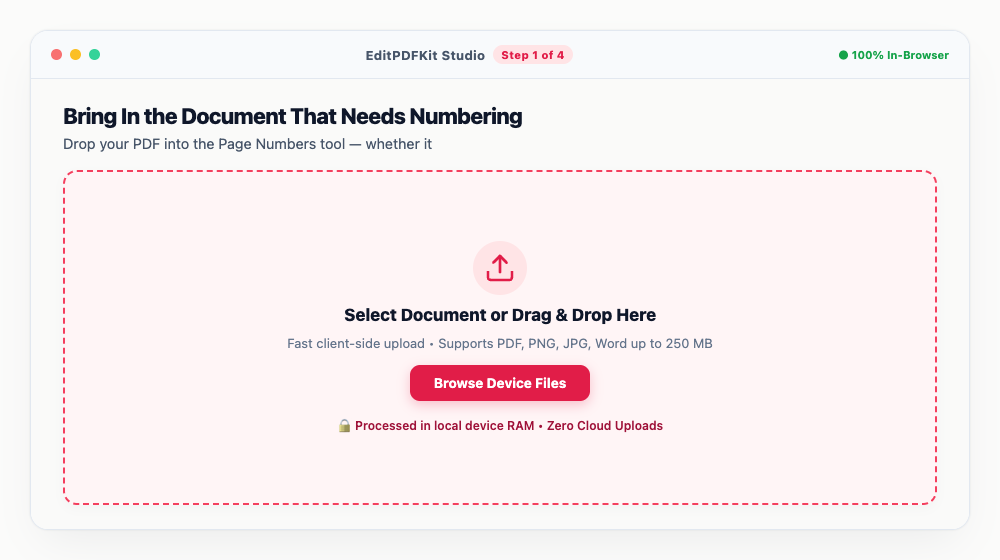
There's no practical page-count ceiling here, so a long dissertation won't choke the tool.
- 2
Set the Format and Where It Sits
Pick a numbering format like 'Page {n} of {total}' or just '{n}', choose a position (Bottom Center is the conventional choice for theses and reports), and set the font and size.
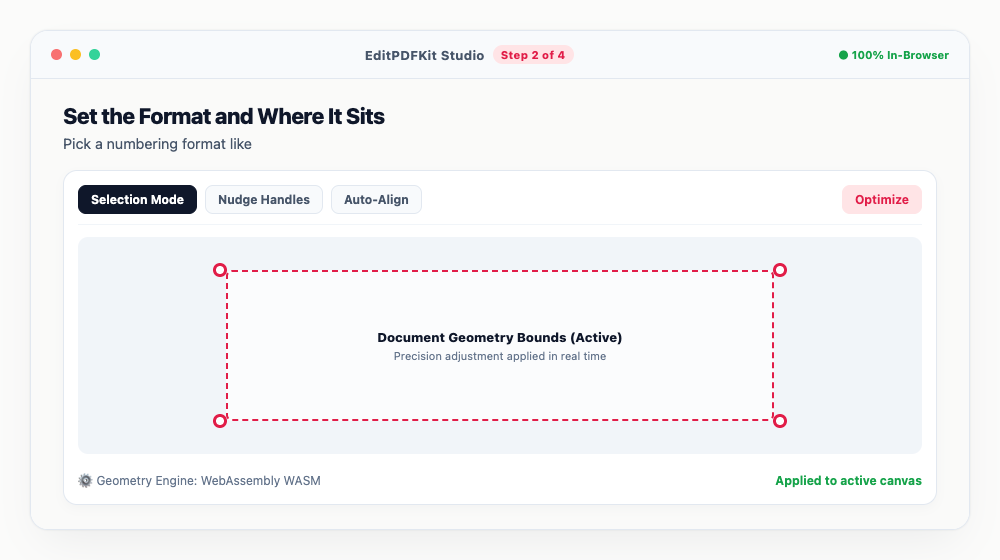
Got a cover page or table of contents you don't want numbered? Use 'Start from page' to skip ahead before numbering kicks in.
- 3
Check for Overlap in the Preview
Look over the live canvas preview to make sure the stamped numbers don't collide with existing footer text, page borders, or chart captions.
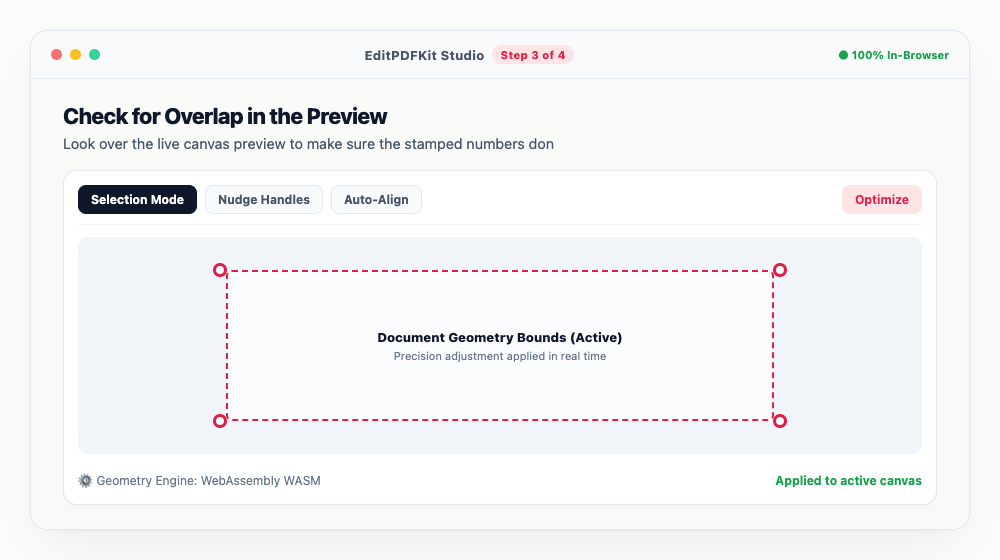
Nudging the margin padding up or down is usually all it takes to clear a number away from something it's overlapping.
- 4
Stamp and Save
Click 'Add Page Numbers & Download' and the fully paginated document generates in seconds.
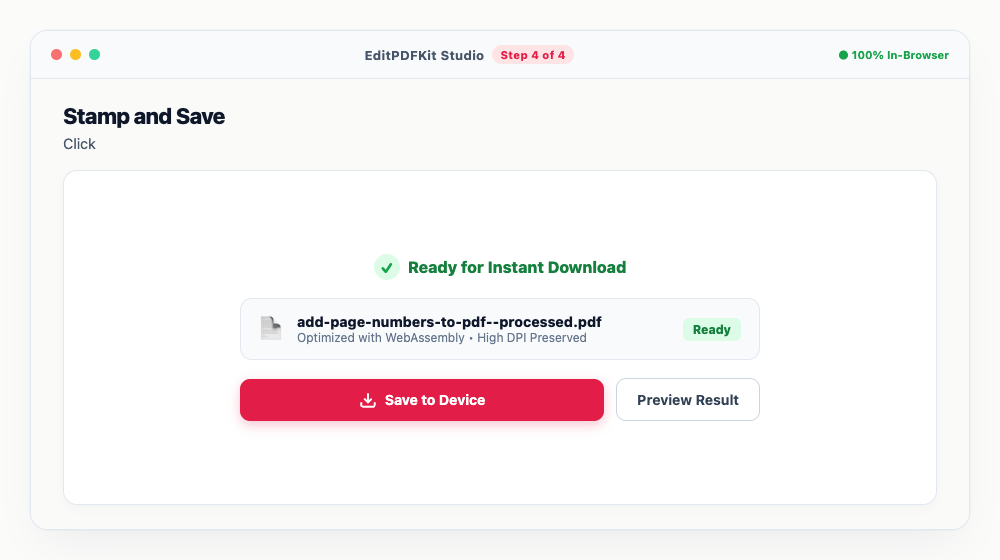
Since the numbers render as vector glyphs rather than flattened pixels, they come out crisp on paper, not just on-screen.
Why use EditPDFKit for this
- Multiple Numbering Formats: choose between 'Page X of Y', 'Page X', 'X / Y', or plain sequential numbers
- Flexible Positioning: place numbers at bottom center, bottom right, top right, or custom margin offsets
- Skip Cover Pages: easily start page numbering from page 2 or page 3 to keep title pages clean
- Font Customization: match your document's existing typography with Helvetica, Times, or Courier
What Is Unified PDF Page Numbering?
Unified page numbering means stamping one consistent numbering scheme — a single format, position, and sequence — across an entire PDF document, independent of whatever page numbers (or lack of them) existed in the original source files. This matters most after merging: combine a cover page, a scanned appendix, and several separate reports into one PDF, and you end up with numbering that's either completely absent or a confusing mix of several different schemes stitched end to end. EditPDFKit's Page Numbers tool stamps a fresh, sequential pass over the finished merged document so every page's number actually matches where it sits in the file.
Who This Is Built For
Graduate students formatting dissertations need numbering a reader or examiner can cite precisely, while legal clerks numbering court exhibits need a judge to be able to find 'page 47' quickly without ambiguity. Corporate teams binding multi-section reports and authors preparing manuscripts both run into the same underlying issue — a document assembled from several source files that never had consistent numbering to begin with.
Academic and legal formatting conventions typically also expect title pages and tables of contents to stay unnumbered, with 'Page 1' beginning only once the actual body content starts, which is a specific case this same tool handles through its start-page controls.
The Tools That Do the Work
Multiple Numbering Formats cover every convention you're likely to need — 'Page X of Y,' plain sequential numbers, or 'X / Y' — and Flexible Positioning lets you place the stamp at bottom center, bottom right, top right, or a custom margin offset to match your document's existing style. Skip Cover Pages means you can start numbering from page 2 or 3 without manually deleting numbers from front matter afterward.
Font Customization lets the stamped numbers match your document's existing typography — Helvetica, Times, or Courier — so the numbering looks like it belongs rather than visibly bolted on.
What Makes This Quick
The workflow is four steps: load the document, set the format and position, check the preview for any overlap with existing footer content, then stamp and save. There's no page-count ceiling and no account required — a 500-page thesis loads the same way a 2-page memo does, and because numbers render as vector glyphs rather than flattened pixels, they come out crisp both on-screen and in print.
Frequently asked questions
Can I skip numbering on the cover page and start numbering from page 2 as 'Page 1'?
Yes! Simply set 'First numbered page' to 2 and 'Start numbering at' to 1. Your cover page will remain clean and unnumbered while page 2 will be stamped as Page 1.
Will adding page numbers alter my existing text or images?
No. Page numbers are stamped onto a transparent overlay layer above your pages, preserving your existing layouts, margins, and graphics.
Is this tool free without any page count restrictions?
Yes. Unlike other websites that cap free pagination at 20 or 50 pages, EditPDFKit lets you number documents of any length with zero limits.
Do I need to install any software to add unified page numbers to pdf files (page x of y & custom formats)?
No installation needed — the full process — add unified page numbers to pdf files (page x of y & custom formats) — runs directly inside your web browser using our page numbers pdf tool, powered by WebAssembly. Skip the account creation and extension install — it just works in the tab you have open.
Is this approach suitable for graduate students formatting dissertations?
Yes — this covers a real need for graduate students formatting dissertations, legal clerks numbering court exhibits, corporate teams binding reports, and authors preparing manuscripts. Desktop, Android, or iOS — the process is the same, and your file never leaves the device.
Can I use Roman numerals for a preface and switch to normal numbers for the main body?
Run the tool twice: first apply Roman numeral formatting to just the preface page range, then apply Arabic numbering starting at 1 for the remaining pages — the overlay only touches the page range you select each pass.
Page numbering is a small detail until a reader, examiner, or opposing counsel needs to find 'page 47' in a hurry and can't. Running one clean numbering pass over the final, fully merged document — after you've confirmed the page order is correct — keeps references consistent throughout, and since the whole process happens in your browser, even confidential legal or academic documents never need to leave your device just to get paginated.
Pairs well with
Bates Numbering
Burn a prefixed, zero-padded number like DOC-00001 into a corner of every page, one increment per page.
Compare Two PDFs
Extract the text from an original and a revised PDF and read the line-by-line differences in one highlighted stream.
Compress PDF to 100KB
Reduce PDF file sizes under 100KB for government portals, exams, and job applications.
Related posts
PDF Management
How to Merge Multiple PDF Files into One Document Online
PDF Splitting
How to Split PDF Pages into Separate Files or Extract Selected Pages Free
Form Flattening & Locking
How to Flatten Fillable PDF Forms & Lock Annotations Before Submitting
Document Combining
How to Combine Academic Transcripts, Degree Certificates and IDs into One PDF
PDF Editing
How to Edit Existing Text in a PDF and Add a Digital Signature