
How to Convert PDF Presentations into Editable PowerPoint (PPTX) Slides
Have you ever lost your original PowerPoint source file and only had the exported PDF version left? Or received a client's presentation in PDF format and needed to tweak bullet points or update quarterly figures? EditPDFKit's PDF to PPT tool reconstructs slides into native, editable Microsoft PowerPoint (.pptx) presentations with editable text blocks and separable graphics.
It's a surprisingly common situation: the only copy of a presentation left is the exported PDF, because a laptop died, a drive wasn't backed up, or the original .pptx file was simply never kept around after the deck was shared. Or maybe you're on the receiving end — a client or a previous team member sent over a finished presentation as a flat PDF, and now you need to tweak a bullet point, swap out last quarter's numbers, or rebrand a template, but there's no editable source file anywhere to start from. Going back to a blank slide and rebuilding everything from scratch, matching fonts and layout by eye, wastes time on work that's technically already been done once.
Open PDF to PowerPoint now
Step by step
4 steps- 1
Bring In the PDF Slide Deck
Choose the PDF presentation you need editable again and load it into the PDF to PPT tool.
Open PDF to PowerPoint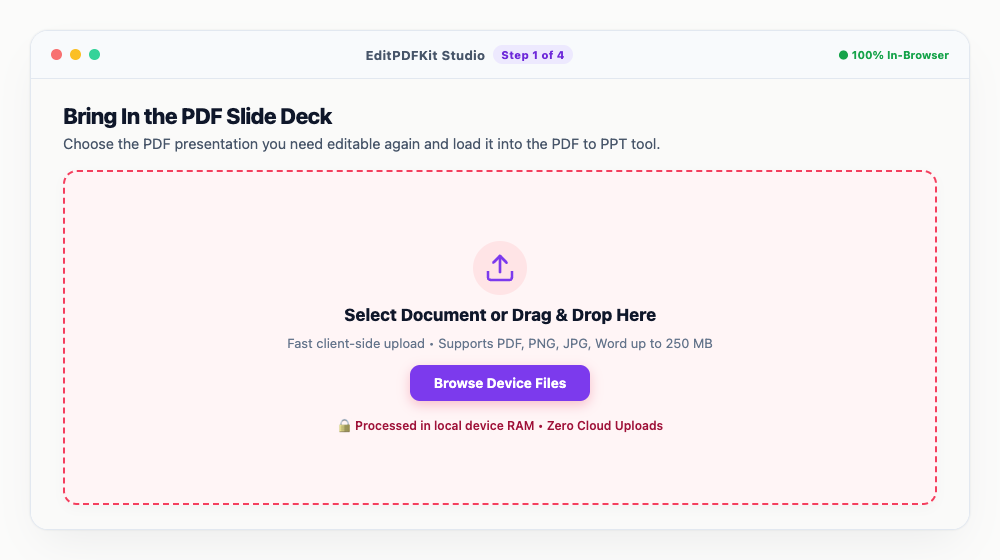
A deck that originally had selectable text (not a scanned image export) converts back with the most accurate layout.
- 2
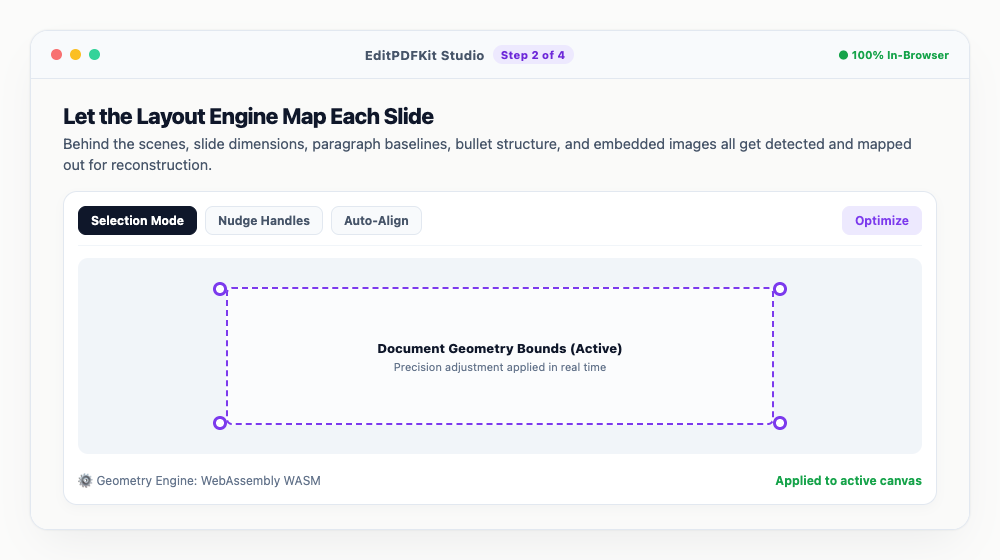
Let the Layout Engine Map Each Slide
Behind the scenes, slide dimensions, paragraph baselines, bullet structure, and embedded images all get detected and mapped out for reconstruction.
If a slide was scanned rather than exported digitally, OCR kicks in automatically to pull the text back out.
- 3
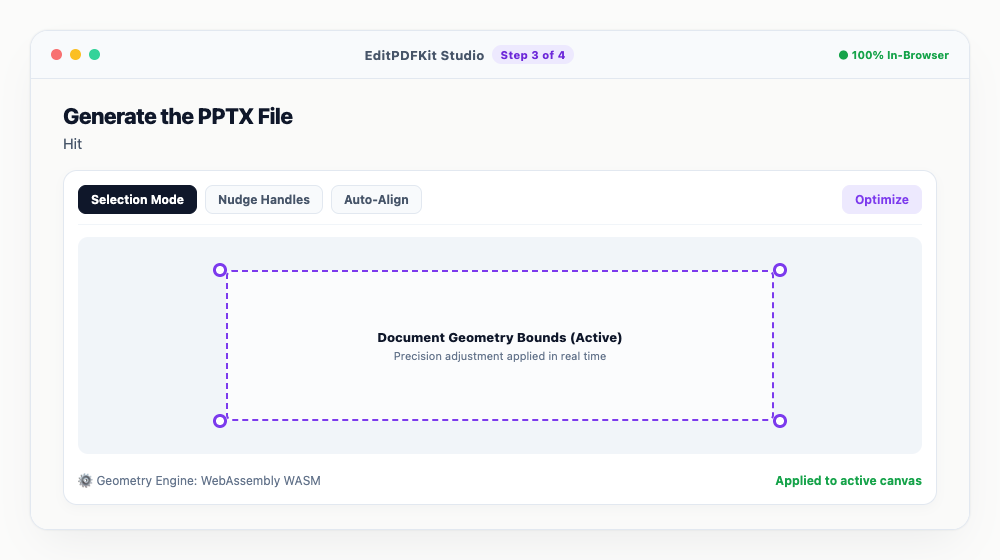
Generate the PPTX File
Hit 'Convert to PowerPoint' and the slides compile into a genuine, editable .pptx file.
This whole compilation runs client-side and typically finishes in just a few seconds.
- 4
Open It Up and Start Editing
Download the .pptx and open it in PowerPoint, Google Slides, or Keynote to change text, swap out logos, or rework the deck entirely.
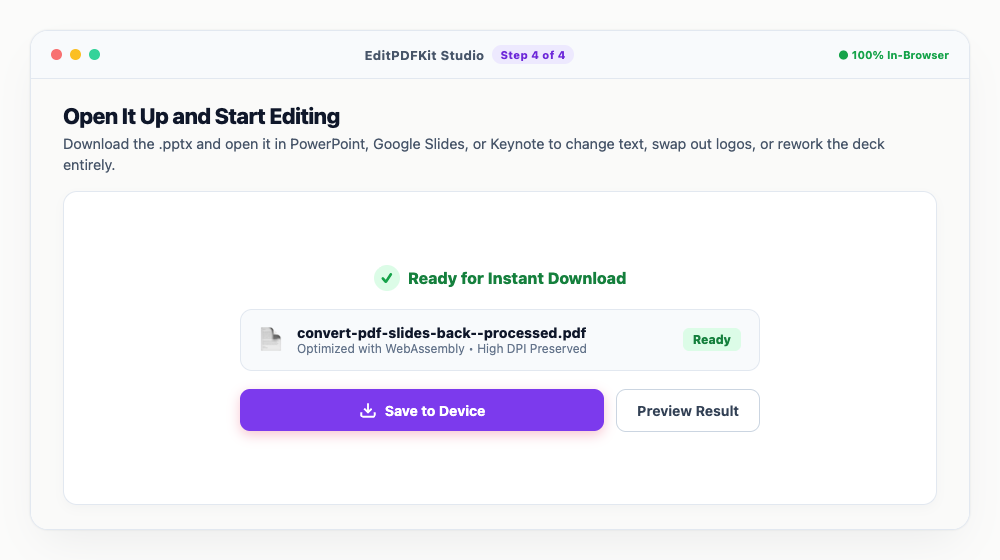
Every text box behaves like it was typed fresh — there's nothing locked or flattened about the output.
Why use EditPDFKit for this
- Editable Text Layers: converts static vector characters back into editable PowerPoint text boxes
- Slide Reconstruction: maps individual PDF pages into separate 16:9 or 4:3 PowerPoint slides
- Preserves Imagery: extracts high-resolution photographs and illustrations for easy rearrangement
- 100% In-Browser Conversion: confidential strategy presentations never touch third-party servers
What Is PDF to PowerPoint Reconstruction?
Converting PDF back to PowerPoint means reconstructing editable slide objects from static page content — grouping nearby text glyphs back into coherent, editable text boxes, inferring where one slide ends and the next begins, and separating embedded images out as their own movable objects rather than leaving everything flattened into one background layer. A PDF page, at the file-format level, is just a sequence of drawing instructions with no concept of 'this is one editable paragraph,' so EditPDFKit's PDF to PPT tool has to infer that structure rather than simply extract it.
When People Reach for This
Marketers updating old presentations often only have the exported PDF left after a laptop died or a source file was never kept around, while students collaborating on group slide decks sometimes receive a teammate's contribution as a flat PDF with no editable original. Corporate teams reusing presentation templates face the same gap when a client or former colleague sends over a finished deck with no source file attached.
In each case, the alternative — rebuilding the deck from scratch, matching fonts and layout by eye — wastes real time on work that's technically already been done once.
Built-In Features That Help
Editable Text Layers convert static vector characters back into genuine PowerPoint text boxes you can retype, not a flattened image of text. Slide Reconstruction maps individual PDF pages into separate 16:9 or 4:3 PowerPoint slides automatically, and Preserves Imagery extracts photographs and illustrations as separate, movable objects rather than leaving them baked into a flattened background.
If the source PDF was itself a scan of printed handout pages with no selectable text at all, built-in OCR recognizes the character shapes and generates genuine text objects to place over the scanned content.
Why This Approach Is Effortless
The process is four steps: load the PDF, let the layout engine map each slide, generate the PPTX, then open it in PowerPoint, Google Slides, or Keynote to start editing. No account or install is needed, and the whole reconstruction typically finishes in just a few seconds, running entirely client-side so a confidential strategy presentation never has to touch a third-party server to become editable again.
Frequently asked questions
Can I edit the text in the converted PowerPoint presentation?
Yes! EditPDFKit extracts vector text layers into native PowerPoint text boxes so you can edit words, change font colors, add bullet points, and adjust slide themes.
Can I open the downloaded .pptx file in Google Slides?
Yes. The exported file is standard Microsoft Office Open XML (.pptx) format, which opens seamlessly in Microsoft PowerPoint, Google Slides, Apple Keynote, and LibreOffice.
What happens if my PDF was created from scanned paper slides?
EditPDFKit features client-side OCR that reads text from scanned images and places editable text overlays onto each slide.
Do I need to install any software to convert pdf presentations into editable powerpoint (pptx) slides?
No software download is necessary. The entire process — convert pdf presentations into editable powerpoint (pptx) slides — runs directly inside your web browser using our pdf to ppt tool, powered by WebAssembly. It works without an account, an extension, or any download.
Is this approach suitable for marketers updating old presentations?
Absolutely. This is a frequent need for marketers updating old presentations, students collaborating on group slide decks, and corporate teams reusing presentation templates. Your file stays local throughout, on desktop, Android, or iOS alike.
Will images on each slide stay as separate, movable objects after conversion?
Yes. Photos and illustrations are extracted as individual image objects on each reconstructed slide rather than being flattened into the background, so you can move, resize, or delete them independently once the file is open in PowerPoint.
Reconstructing editable slides from a flat PDF is never going to be a perfect, pixel-for-pixel reversal of the original export — some manual tidying after conversion is normal, especially around complex diagrams or unusual layouts. But for the common case of 'I need to tweak a few bullet points and update some numbers,' it gets you a genuinely editable starting point in PowerPoint instead of a blank slide and a lot of eyeballing, and it does it without uploading a potentially confidential strategy deck to a third-party server.
Pairs well with
AI to PDF
Pull the PDF document that Adobe Illustrator already wrote inside your .ai file back out as a standalone PDF.
ARW to PDF
Build a PDF proof sheet from Sony Alpha frames — and find out why the .ARW itself has to be developed before any PDF can hold it.
AVIF to PDF
Put AVIF images on PDF pages, with a straight account of what the re-encoding step costs — transparency, extra bit depth and HDR all go.
Related posts
Presentation Conversion
How to Convert PowerPoint (PPTX) Slides into Clean PDF Handouts
Document Conversion
How to Convert PDF to Editable Word (DOCX) Without Losing Formatting
Productivity & Alternatives
How to Edit PDF Text and Sign Documents Without Paying for Adobe Acrobat
OCR & Text Extraction
How to Extract Text and Tables from Scanned PDFs with Free OCR
Format Conversion
How to Convert iPhone HEIC and JPG Photos to PDF Documents