
How to Make Digital Handwritten Study Notes for Exams (Free PDF Export)
Creating crisp, structured revision notes is essential for academic research, business briefings, and university exams. Learn how to use EditPDFKit's free in-browser digital notebook with Cornell layouts, handwriting fonts, diagram insertion, and vector PDF exports.
Handwritten revision notes work better for recall than typed paragraphs for most learners — the physical act of writing, the spatial layout on the page, the variation in heading sizes all give your memory more anchors to latch onto than a uniform block of typed text. But actual handwritten notes don't scale: they're slow to produce, impossible to search, easy to lose, and nearly impossible to reorganize once you've committed pen to paper. Typed notes solve all of that, but in a generic word processor they lose the visual structure (varied heading weights, margin cues, handwriting-style warmth) that made handwritten notes effective for recall in the first place.
A digital notebook built specifically for revision tries to keep both: the structure and searchability of typed text, with handwriting-style fonts and purpose-built layouts (like the Cornell method's cue/notes/summary columns) that preserve the visual and spatial cues your memory actually uses, while still being trivially easy to edit, reorder, and export as a clean, printable document.
Open Free Online Notebook & Notes Maker now
Step by step
5 steps- 1
Pick a Preset or Paper Style to Start From
Open Notes Maker Studio and choose a purpose-built preset — Essay Outline, Formula Sheet, Current Affairs — or just pick a paper theme: Ruled, Graph Grid, Dot Matrix, or Cornell.
Open Free Online Notebook & Notes Maker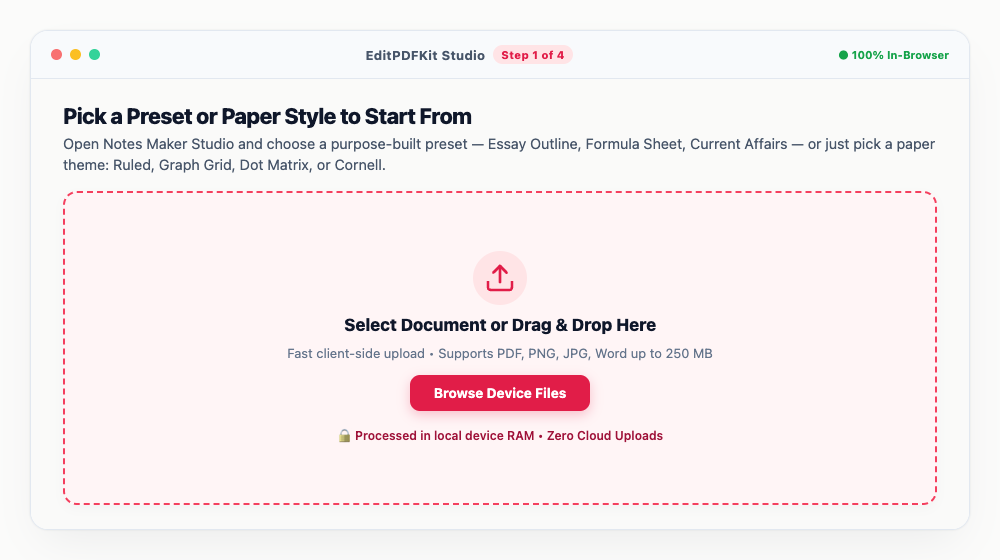
Mains answer-writing practice benefits most from the Cornell layout — keywords down the left, core points on the right.
- 2
Fill In the Document Details
Add a title ('Macroeconomics Revision'), your name, and syllabus tags like '#Paper3, #Inflation, #Banking' in the settings panel.
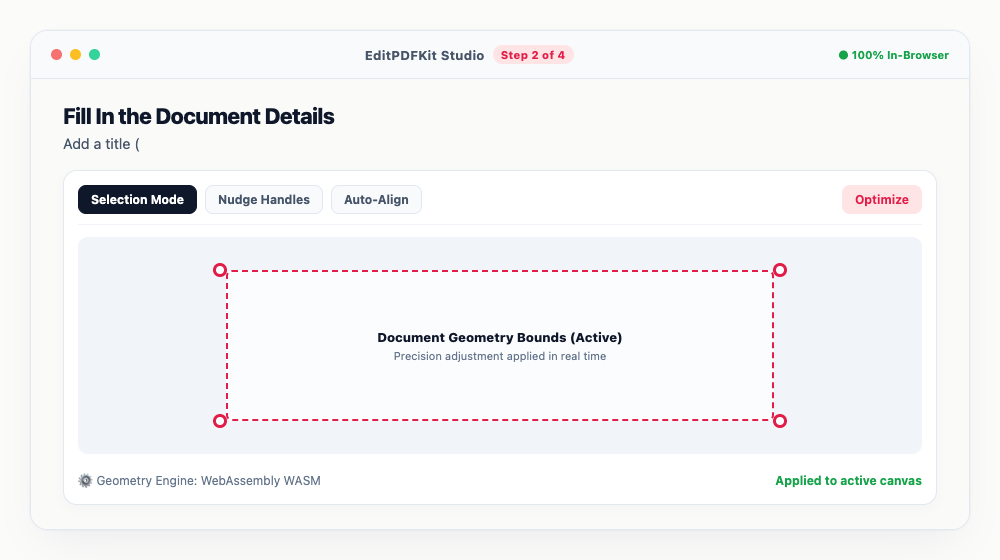
Those tags aren't just labels — they print cleanly into the document header, making a stack of printed sheets easier to sort later.
- 3
Write in a Font That Actually Feels Handwritten
Type naturally and pick a font like Kalam or Caveat for that handwritten warmth, formatting with Bold (Ctrl+B), Italic (Ctrl+I), headings, bullets, and '+ Task' for interactive checkboxes.
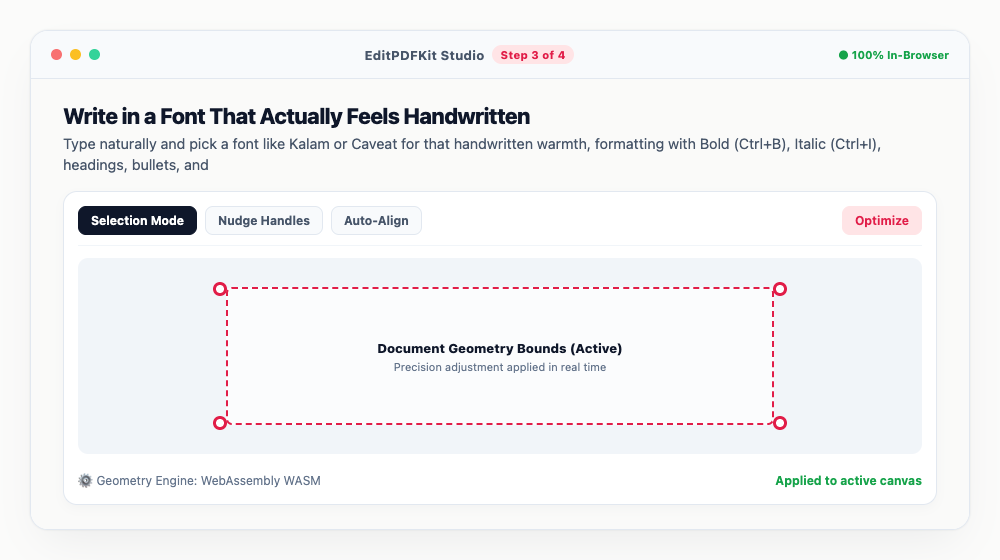
Checked-off tasks strike through automatically, which makes tracking daily syllabus targets a lot less manual.
- 4
Drop In Diagrams and Keep Adding Pages
'Insert Image' brings in a flowchart, mind-map, or formula screenshot, and '+ New Page' or 'Duplicate' extends the notebook as far as your revision needs.
Every page gets its own canvas, so freehand sketches and highlighter marks on one sheet never bleed into another.
- 5
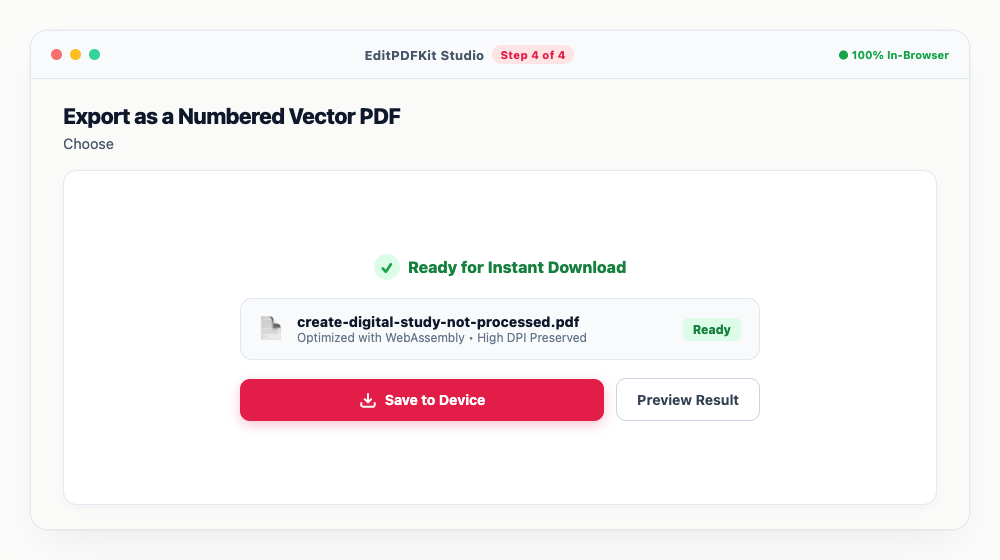
Export as a Numbered Vector PDF
Choose 'Vector PDF' and hit 'Download All Pages as Vector PDF' for a sharp, printable A4 document with page numbers built in.
Because it's vector, not rasterized, the text stays razor-sharp whether you're printing it or reading it on a tablet.
Why use EditPDFKit for this
- Multi-page digital notebook with authentic handwriting fonts (Kalam, Caveat, Patrick Hand)
- Cornell note-taking layout with dedicated Cues, Notes, and Summary sections for active recall
- Insert diagrams, flowcharts, and formula screenshots directly on any note page
- 100% private and client-side: notes never leave your browser or get saved to cloud servers
- Export high-resolution, print-ready vector PDF with dynamic page numbering (Page X of Y)
What Is a Digital Handwritten Notes Tool?
A digital handwritten notes tool lets you type revision notes using handwriting-style fonts and purpose-built study layouts, like the Cornell method's cue/notes/summary columns, getting the visual and spatial memory cues of handwriting while keeping notes fully searchable, editable, and reorderable the way typed text is. Actual handwritten notes work well for recall but don't scale — they're slow to produce, impossible to search, and easy to lose — while notes typed in a generic word processor lose the varied heading weights and warmth that made handwriting effective for memory in the first place.
The goal is keeping both: structure and searchability, plus the visual cues your memory actually uses while studying.
Who This Is Built For
Candidates preparing for civil service, banking, railway, college, and university exams all need structured, revisable notes across a long preparation timeline, not a one-off document. Someone practising long-form essay answers needs the Cornell layout's keyword-cue column to drill active recall before the exam. A candidate building a formula sheet needs diagrams and equations laid out cleanly on a grid rather than on plain ruled lines.
College and university students compiling semester revision notes need a notebook they can keep extending page by page across months of study, with topics tagged for easy sorting when exam week arrives.
The Tools That Do the Work
Authentic handwriting fonts (Kalam, Caveat, Patrick Hand) give typed notes the visual warmth and scanability of handwriting, with Kalam specifically supporting bilingual Hindi-English typography for exam prep that mixes both. The Cornell note-taking layout builds dedicated Cues, Notes, and Summary sections directly into the page, turning active recall practice into part of the page structure rather than a separate step.
Inserting diagrams, flowcharts, and formula screenshots directly onto any note page keeps visual study material in the same document as your written notes, and vector PDF export produces a sharp, print-ready A4 document with dynamic page numbering built in.
What Makes This Quick
Building a notebook is five steps: pick a preset or paper style, fill in your document details, write using a handwriting-style font, insert diagrams and add pages as needed, and export as a numbered vector PDF. There's no software to install and no account required — notes stay private and client-side, never saved to a cloud server.
Because every page is its own canvas, you can keep extending the notebook indefinitely as your revision progresses, without worrying about running out of space or needing to start a new file.
Frequently asked questions
Can I print these notes on physical A4 paper?
Yes! Vector PDF export produces print-grade 300+ DPI vector outlines that scale cleanly to physical A4 printers without blurriness.
Can I type notes in Hindi and English together?
Yes. The Kalam font is specifically optimized for Devanagari script and English typography, making it ideal for bilingual exam preparation.
Is there any charge, watermark, or sign-up needed?
No. EditPDFKit Notes Maker is 100% free with no watermarks, no account registration, and no usage limits.
Do I need to install any software to make digital handwritten notes for job portal & govt exams (free pdf export)?
There's no app to install. This workflow — make digital handwritten notes for job portal & govt exams (free pdf export) — runs directly inside your web browser using our notes maker tool, powered by WebAssembly. No sign-up wall, no extension, and nothing additional to install.
Is this approach suitable for aspirants preparing for job portal cse?
Yes, this is commonly used by aspirants preparing for job portal cse, state pscs, standard digital, banking, rrb ntpc, college, university, and college students. This runs the same way on desktop, Android, and iOS, with the file staying on your device the entire time.
Can I use a checklist for daily revision tracking inside my notes?
Yes. The interactive to-do checklist supports strikethrough completion, so you can list topics or chapters and tick them off as you revise, right alongside your written notes on the same page.
What paper layout should I use for formula-heavy subjects like math or physics?
Pick the Grid or Dot Matrix paper theme instead of Ruled — the uniform grid makes it far easier to keep diagrams, graphs, and aligned equations neat compared to plain horizontal lines.
Structured digital notes that look and feel handwritten give you the best of both approaches — the visual memory cues of handwriting with the editability and portability of a typed document. Build your revision notebook once, keep adding pages as you study, and export a clean vector PDF whenever you need a printed copy.
Pairs well with
Bates Numbering
Burn a prefixed, zero-padded number like DOC-00001 into a corner of every page, one increment per page.
Compare Two PDFs
Extract the text from an original and a revised PDF and read the line-by-line differences in one highlighted stream.
Compress PDF to 100KB
Reduce PDF file sizes under 100KB for government portals, exams, and job applications.
Related posts
Visa & Job Portal Uploads
How to Compress a PDF Under 200KB for Visa, Job & Government Portals
OCR & Text Extraction
How to Extract Text and Tables from Scanned PDFs with Free OCR
Document Scanning
How to Scan Physical Documents into Clean PDFs with Your Phone Camera
Study Notes Scanner
How to Convert Handwritten Study Notes and Book Pages into Clean White PDFs
Text & Document Conversion
How to Convert Plain Text, Notes, and Markdown to Clean Printable PDF