
How to Resize Signature to 140x60 Pixels and Under 20KB for Exam Forms
Recruitment and exam portals reject signature uploads that do not match exact pixel dimensions such as 140x60 px, or that exceed a 10KB-20KB ceiling. With EditPDFKit's client-side resizer you can lock the aspect ratio or dial in 140x60 px instantly.
Recruitment exam portals are notorious for rejecting signature uploads for reasons that have nothing to do with the signature itself — "image dimensions must be exactly 140x60 pixels" is a common validation rule, and most people's first signature photo comes out as whatever resolution their phone's camera naturally shoots at, often thousands of pixels in each dimension. Simply shrinking that photo down while keeping its original rectangular proportions almost never lands on 140x60 exactly, so the portal bounces the upload with a generic "invalid image dimensions" error and no further explanation.
The fix isn't really about compression — it's about deliberately overriding the aspect ratio to force an exact pixel target, something most basic photo tools don't expose as an option because they assume you always want to preserve proportions. A signature is unusual in that the exact pixel box matters more than keeping it perfectly undistorted, since these portals are rendering it into a fixed-size box on an admit card or application form regardless of what you upload.
Open Resize Image now
Step by step
4 steps- 1
Photograph Your Signature on Plain White Paper
Sign clearly in black or blue ink on a clean sheet, photograph it with your phone, then upload it into Resize Image.
Open Resize Image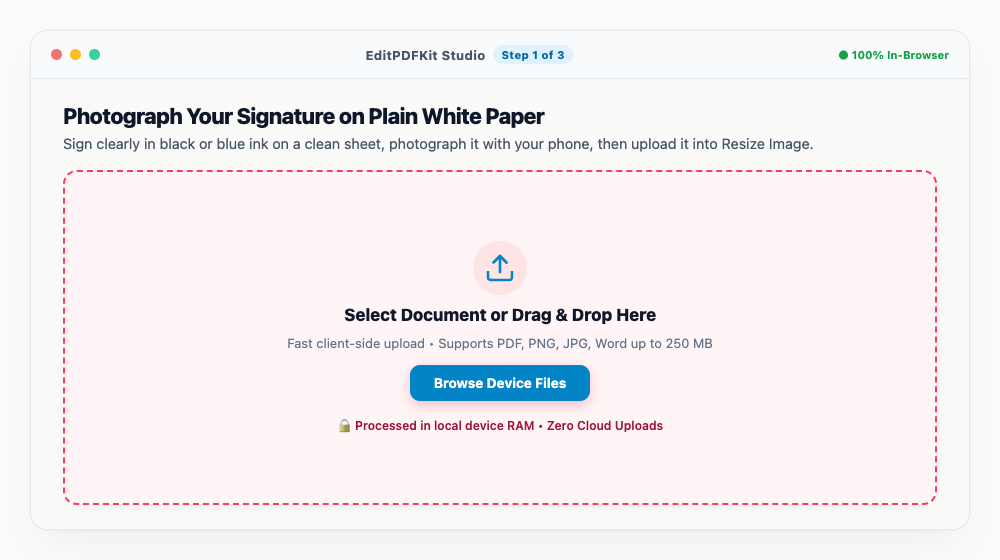
Shoot under even light with no shadow falling across the ink — it makes a real difference to the final background.
- 2
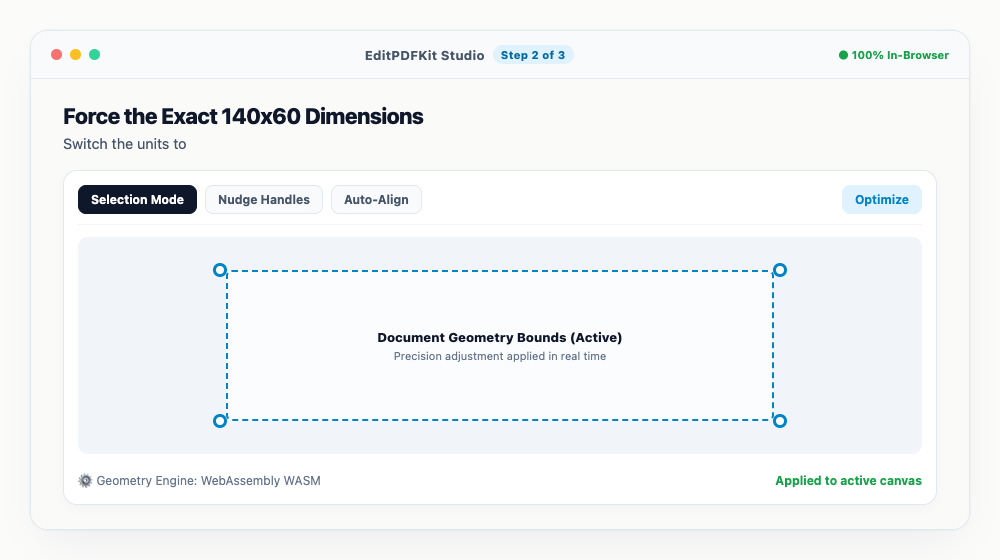
Force the Exact 140x60 Dimensions
Switch the units to 'Pixels (px)', uncheck 'Lock Aspect Ratio' since this portal wants the exact box regardless of proportion, and type 140 width by 60 height.
If that distorts the signature noticeably, crop in tight on just the ink first with the Crop Tool, then resize.
- 3
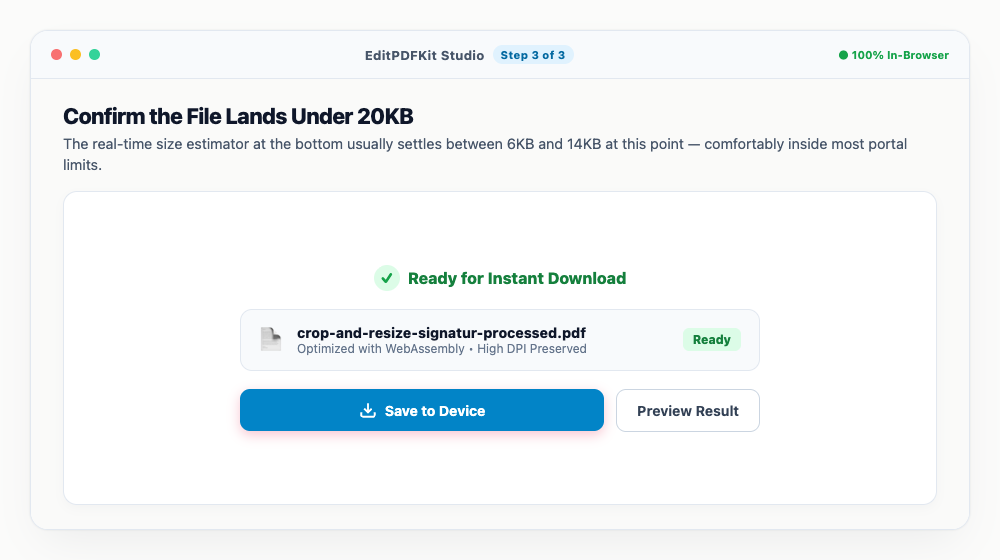
Confirm the File Lands Under 20KB
The real-time size estimator at the bottom usually settles between 6KB and 14KB at this point — comfortably inside most portal limits.
Whether to export as JPG or PNG depends entirely on what your specific application's guidelines ask for.
- 4
Save the File and Upload It
'Save Resized Image' downloads a file that's ready to go straight into your exam portal's upload field.
It's worth test-uploading right away on the portal's preview screen to confirm it clears validation before you submit the full form.
Why use EditPDFKit for this
- Exact 140x60 pixel dimension preset: no guessing or manual cropping math required
- Automatic file size clamping: keeps signature cleanly within 10KB - 20KB limit
- High-contrast ink filter: cleans grey paper shadows and enhances pen ink sharpness
- 100% Client-Side Privacy: your signature image is never sent to or stored on any server
What Is Resizing a Signature to Exact Pixel Dimensions?
Resizing a signature to exact pixel dimensions means forcing an image to a specific width and height like 140x60 pixels regardless of its original proportions, because recruitment and banking portals render the signature into a fixed-size box on an admit card or application form. Most basic photo tools assume you always want to preserve the original aspect ratio, so simply shrinking a signature photo down while keeping its proportions almost never lands on an exact target like 140x60 — the portal then rejects it with a generic "invalid image dimensions" error.
The fix is deliberately overriding the aspect ratio lock to hit the exact pixel box the portal demands, since for a signature upload, matching the required dimensions matters more than preserving undistorted proportions.
Who This Is Built For
Applicants for competitive exams, banking and graduate recruitment, public-service, and railway examinations all run into this exact validation rule during their application process. A banking or railway recruitment applicant uploading a signature needs it to match the portal's precise pixel spec on the first try, since a deadline-driven application doesn't leave much room for a rejected-and-resubmitted cycle. A public-service exam candidate often needs the same signature resized differently for several separate portals, each with its own exact dimension requirement.
Graduate program applicants submitting signatures alongside academic documents face the identical constraint, needing a signature that's both the right pixel size and small enough in file size to clear the same upload validator.
The Tools That Do the Work
The exact 140x60 pixel dimension preset removes any guessing or manual cropping math — select it and the exact target locks in automatically. Automatic file size clamping keeps the signature cleanly within a 10KB-20KB limit, so you're not separately fighting both dimension and size constraints.
The high-contrast ink filter cleans grey paper shadows and enhances pen ink sharpness, which matters since a signature forced into a small box needs to stay legible rather than fading into illegibility. And because everything runs client-side, your signature image is never sent to or stored on any server.
What Makes This Quick
The process is four steps: photograph your signature on plain white paper, force the exact dimensions by unchecking aspect-ratio lock, confirm the file size lands under the limit, and save. The real-time size estimator shows you exactly where you'll land before you even download, so there's no guessing.
No software install or account is needed, and it's worth test-uploading the result on the portal's preview screen right away to confirm it clears validation before submitting the full application.
Frequently asked questions
Why do exam portals require 140x60 pixels for signatures?
Recruitment software uses automated template matching to print signatures onto admit cards and attendance sheets in designated rectangular boxes.
How can I reduce my signature file size below 20KB if it is still 50KB?
If your signature file exceeds 20KB after resizing, open it in our Compress Image tool and choose the '20 KB' chip to optimize it in 1 click.
Is it safe to upload my official signature here?
Yes. EditPDFKit runs entirely inside your web browser via client-side Canvas and WebAssembly. Your signature is never uploaded to any server or database.
A rejected signature upload is almost always a pixel-dimension mismatch rather than anything wrong with the signature itself, and fixing it is a matter of deliberately breaking the aspect-ratio lock rather than hunting for the "right" photo. Once you've got a tightly cropped, high-contrast signature scan, dialing in the exact box your portal demands takes seconds, and you can reuse the same clean signature file across every form that shares the same requirement.
Pairs well with
Barcode Generator
Generate a Code 128, EAN-13, UPC-A or Code 39 barcode as a PNG, with the number printed beneath.
Photo Collage Maker
Drop photos into a grid, filmstrip, spotlight, mosaic or tilted polaroid layout and export one picture.
Compress Image to 200KB
Bring a JPG or PNG under 200 KB without the face going blotchy — sized for exam-form photos and portal uploads.
Related posts
Image Resizing
How to Resize Photos & Signatures for Online Applications (US Visa, Passports & Forms)
Exam & Govt Portals
How to Compress a Passport Photo and Signature for Online Application Portals
Image Cropping
How to Crop Photos into Perfect Circles and Profile Avatars
Image Compression
How to Compress Images to 200KB (or Any Target Size) Without Quality Loss
AI & Image Editing
How to Remove Image Backgrounds for Free with Instant Subject Cutouts