
How to Remove PNG Background Free with HD Transparent Download (Cutout Maker)
Removing the background from a PNG or JPG graphic used to require complex Photoshop masking. With EditPDFKit's client-side AI Background Remover, you can isolate subjects, create transparent cutouts, and download high-resolution PNGs in seconds with zero watermarks.
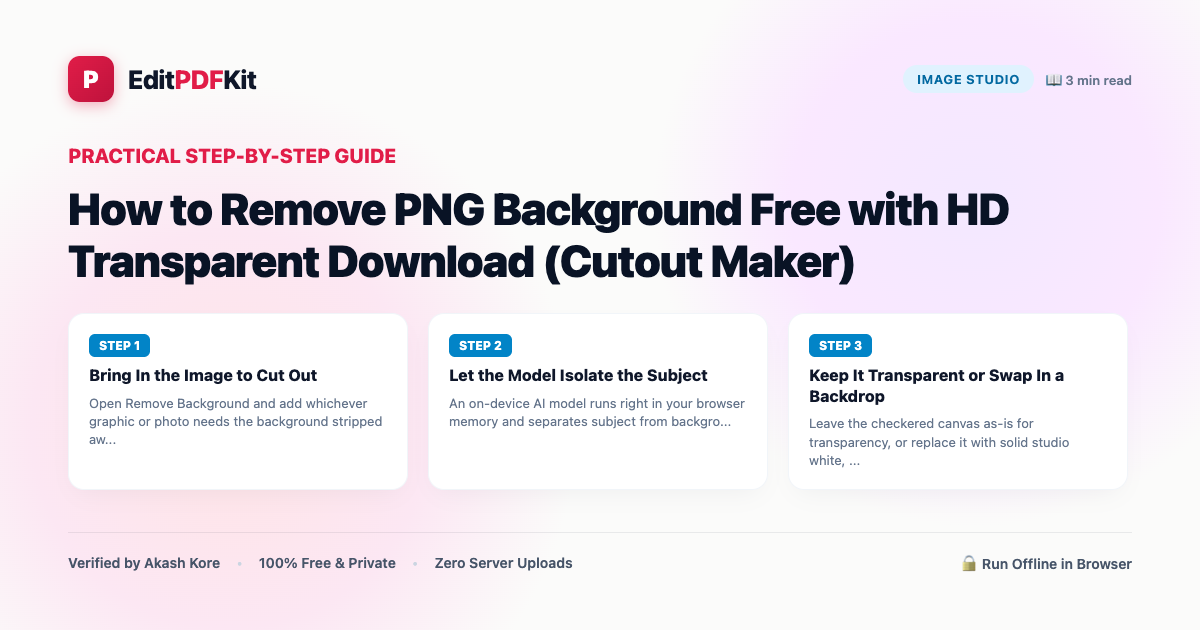
Manually masking a subject out of its background in Photoshop means tracing an outline with the pen tool, refining hair and fine edges with a feathered brush, and cleaning up fringing around every curve — a process that can take anywhere from several minutes to over an hour depending on how complex the subject's edges are, and one that requires actual masking skill to get a clean result rather than a jagged, amateur-looking cutout. For a single product photo or profile picture, that's a disproportionate amount of effort for what should be a quick task.
AI-based background removal replaces that manual tracing with a neural network trained specifically to recognize foreground subjects (people, products, animals, logos) against arbitrary backgrounds, producing a usable alpha-channel cutout in roughly the time it takes the model to run inference on one image — typically a second or two — rather than the minutes-to-hours a manual mask would take. It won't always nail the hardest edge cases (wisps of hair, reflective jewelry) as precisely as a patient manual mask would, but for the overwhelming majority of product photos, portraits, and logos, it gets a clean, usable result instantly.
Open Background Remover now
Step by step
4 steps- 1
Bring In the Image to Cut Out
Open Remove Background and add whichever graphic or photo needs the background stripped away.
Open Background Remover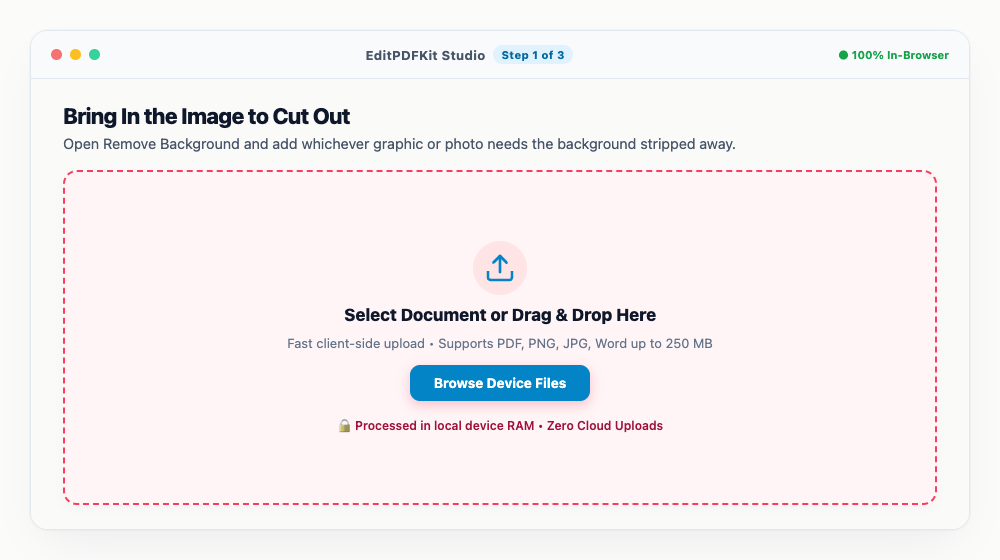
A subject that stands out clearly from its backdrop gives the model the easiest job and the cleanest result.
- 2
Let the Model Isolate the Subject
An on-device AI model runs right in your browser memory and separates subject from background within a second or two.
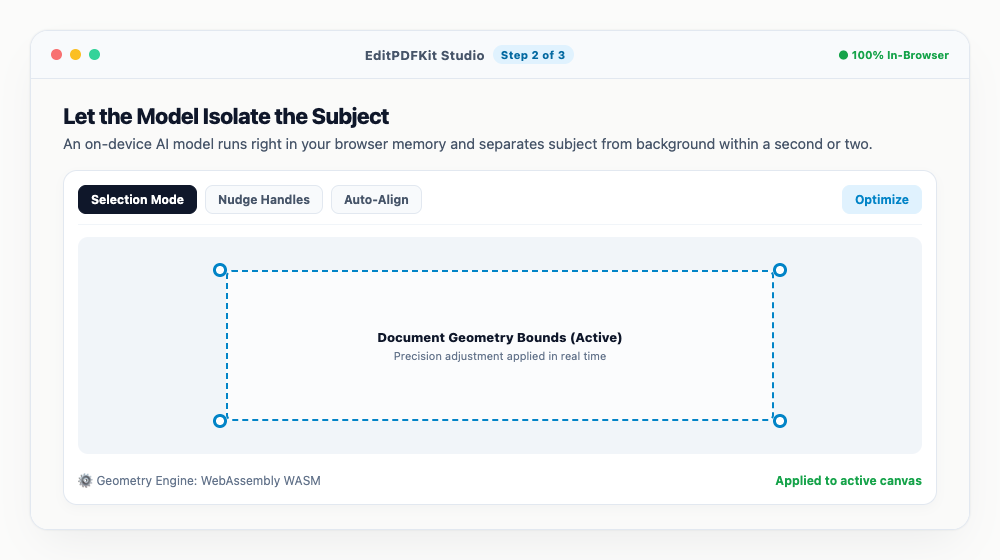
Toggle the checkered transparency grid on to inspect exactly where the cutout edge landed.
- 3
Keep It Transparent or Swap In a Backdrop
Leave the checkered canvas as-is for transparency, or replace it with solid studio white, a gradient, or a custom color.
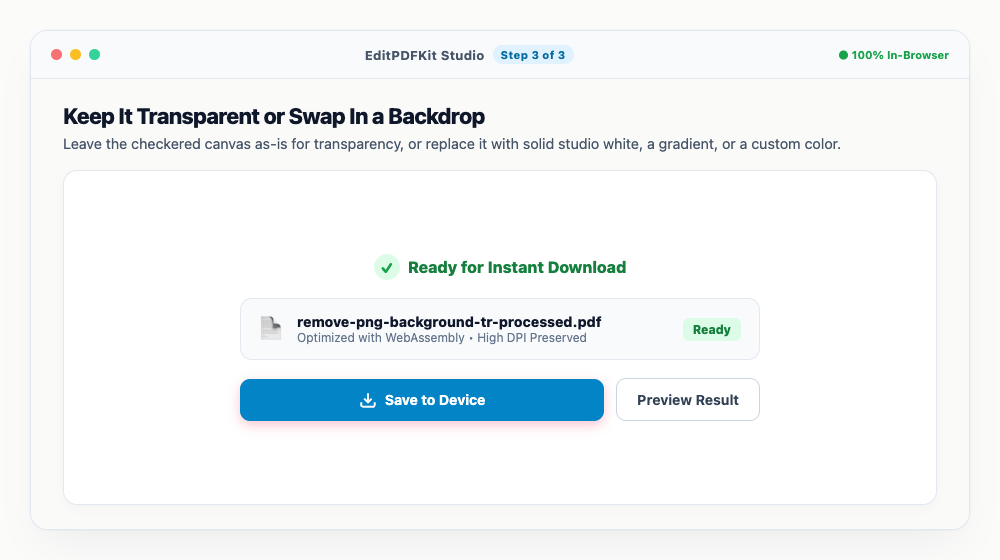
A pure white backdrop is usually what Amazon and eBay listings expect for the primary product image.
- 4
Download the Full-Resolution Cutout
'Download PNG' saves the clean, transparent result at full HD resolution — no watermark stamped anywhere on it.
There's no email or account step standing between you and the full-quality file.
Why use EditPDFKit for this
- Automatic AI Isolation: Accurately separates people, products, logos, and animals from backgrounds
- HD Transparent PNG Output: 100% clean alpha channel transparent cutouts without jagged edges
- Zero Watermarks: Download high-resolution outputs with no promotional branding or paywalls
- On-Device Processing: Neural network executes directly in your browser with complete privacy
What Is Removing a PNG Background?
Removing a PNG background means isolating a subject — a person, product, logo, or animal — from its surrounding photo and producing a transparent cutout with a clean alpha channel, instead of manually masking it out with a pen tool and feathered brush in Photoshop. A segmentation model trained on labeled images predicts, pixel by pixel, how likely each part of the photo is to belong to the foreground subject versus the background, and that probability map becomes the transparency itself.
Where a manual mask can take anywhere from several minutes to over an hour depending on edge complexity, an AI model produces a usable cutout in roughly the time it takes to run inference on one image — a second or two.
Who Typically Uses This
Graphic designers, e-commerce sellers, content creators, and students making presentations all need clean cutouts regularly, not as an occasional task. An e-commerce seller photographing products against a cluttered home or warehouse backdrop needs to standardize dozens or hundreds of photos to a marketplace's strict white-background requirement without re-shooting each one in a studio. A graphic designer pulling a logo off a scanned letterhead needs it isolated cleanly for reuse in a new design.
Content creators making thumbnails or overlays need a subject cut out fast without learning masking software, and students building presentation slides need a clean product or diagram cutout without any design background at all.
The Features Behind This Workflow
Automatic AI isolation accurately separates people, products, logos, and animals from their backgrounds without any manual tracing. HD transparent PNG output delivers a 100% clean alpha channel without the jagged edges a less sophisticated tool might leave behind.
Zero watermarks means the full-resolution output is yours to use immediately, with no promotional branding or paywall gating the download — a real contrast to tools that downscale or brand their free tier. On-device processing means the neural network runs directly in your browser, so your photos are never transmitted anywhere for a server to process.
Why This Workflow Just Works
The process is four steps — bring in your image, let the model isolate the subject, keep it transparent or swap in a backdrop, and download — with the actual isolation step finishing in a second or two once the image loads. No account or email is required to get the full-quality download.
Because there's a live checkered-transparency preview, you can verify the cutout edge landed correctly before downloading, rather than discovering an issue only after the file is already in use elsewhere.
Frequently asked questions
Is this PNG background remover free without watermark?
Yes, absolutely. Unlike many online tools that place a watermark or downscale your image to low resolution, EditPDFKit exports full-resolution PNGs 100% free with zero watermarks.
Can I make the background transparent for logos and e-commerce products?
Yes. It works seamlessly for product photography, apparel, logos, portraits, and digital illustrations.
Does it upload my photos to an AI server?
No. The AI model executes entirely on your device using client-side WebAssembly, ensuring total confidentiality.
Do I need to install any software to remove png background free with hd transparent download (cutout maker)?
No installation is required. This entire workflow — remove png background free with hd transparent download (cutout maker) — runs directly inside your web browser using our remove bg tool, powered by WebAssembly. There's nothing to download, no browser extension, and no account sign-up.
Is this approach suitable for graphic designers?
Yes. This exact workflow is built for graphic designers, e-commerce sellers, content creators, and students making presentations. Every file stays on your own device, and the same workflow works on desktop, Android, and iOS.
Does the output stay a PNG, or can I export JPG too?
The transparent cutout must be downloaded as PNG to preserve the alpha channel. If you later pick a solid replacement color instead of transparency, you can export that flattened version as JPG since there's no transparency left to lose.
Will thin details like glasses frames or jewelry chains survive the cutout?
The neural isolation model handles fine linear details reasonably well, but very thin or reflective elements (wire-frame glasses, thin chains) are the hardest case for any background remover — zoom into the transparency-grid preview to check those edges before downloading.
What used to require Photoshop skill and real time investment is now a near-instant, automated step — upload, let the model isolate the subject, and download a clean transparent PNG. It's not a perfect replacement for painstaking manual masking on the hardest edge cases, but for the vast majority of everyday cutout needs it's faster and good enough.
Pairs well with
Barcode Generator
Generate a Code 128, EAN-13, UPC-A or Code 39 barcode as a PNG, with the number printed beneath.
Photo Collage Maker
Drop photos into a grid, filmstrip, spotlight, mosaic or tilted polaroid layout and export one picture.
Compress Image to 200KB
Bring a JPG or PNG under 200 KB without the face going blotchy — sized for exam-form photos and portal uploads.
Related posts
AI & Image Editing
How to Remove Image Backgrounds for Free with Instant Subject Cutouts
Image Cropping
How to Crop Photos into Perfect Circles and Profile Avatars
Watermarking
How to Add Custom Text and Logo Watermarks to Protect Your Work
Image Compression
How to Compress Images to 200KB (or Any Target Size) Without Quality Loss
Image Resizing
How to Resize Photos & Signatures for Online Applications (US Visa, Passports & Forms)