
How to Add Custom Text and Logo Watermarks to Protect Your Work
Whether you are a real estate photographer, artist, lawyer, or business owner sharing sensitive draft proofs, adding a visible watermark prevents unauthorized redistribution and ensures your brand gets proper attribution.

A photographer delivering unwatermarked proofs to a client before final payment, a real estate agency sharing listing photos that keep getting lifted by competing sites, or a law firm circulating a draft contract that shouldn't be mistaken for the final signed version all share the same underlying need: a visible mark that deters unauthorized reuse or clearly signals "this isn't the final version" without requiring legal action after the fact. A subtle corner watermark discourages casual copy-paste reuse, but it's also easy to crop out entirely with a basic image editor — which is exactly the gap a tiled, full-image watermark pattern is designed to close.
The tradeoff between protection and usability is real, though: a watermark aggressive enough to survive cropping and AI-based removal attempts can also make the underlying photo harder to evaluate, which is why opacity and placement controls matter as much as the watermark content itself.
Open Add Watermark now
Step by step
4 steps- 1
Add the Photos You're Branding
Open Add Watermark and bring in whichever images need protecting.
Open Add Watermark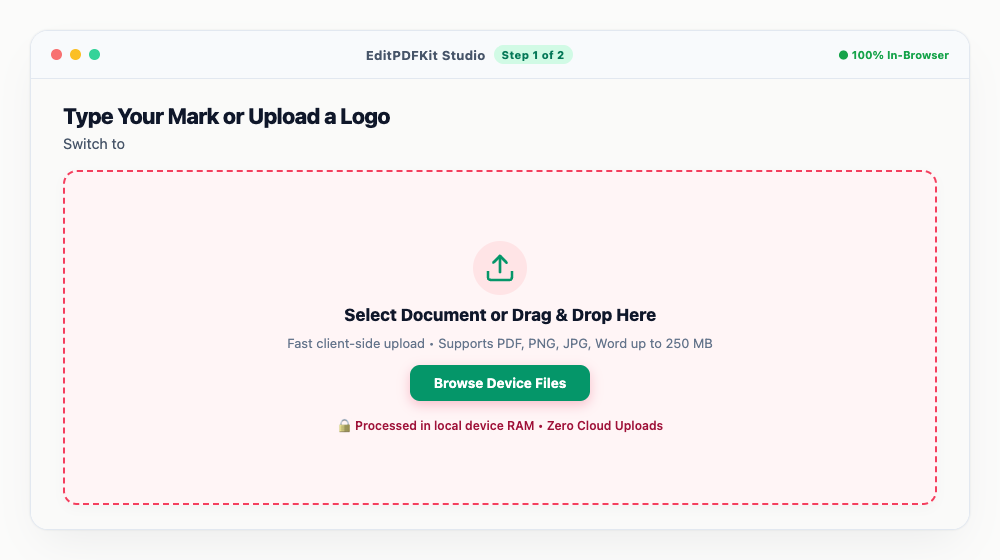
Up to 30 photos can go through together, so a whole shoot gets watermarked in a single pass.
- 2
Type Your Mark or Upload a Logo
Switch to 'Text' mode for a typed brand name or copyright line (something like '© 2026 John Doe Photography'), or 'Image' mode to drop in a transparent logo file instead.
Text watermarks come with clean modern font options like Outfit, Inter, and Roboto to pick from.
- 3
Position It and Dial In the Opacity
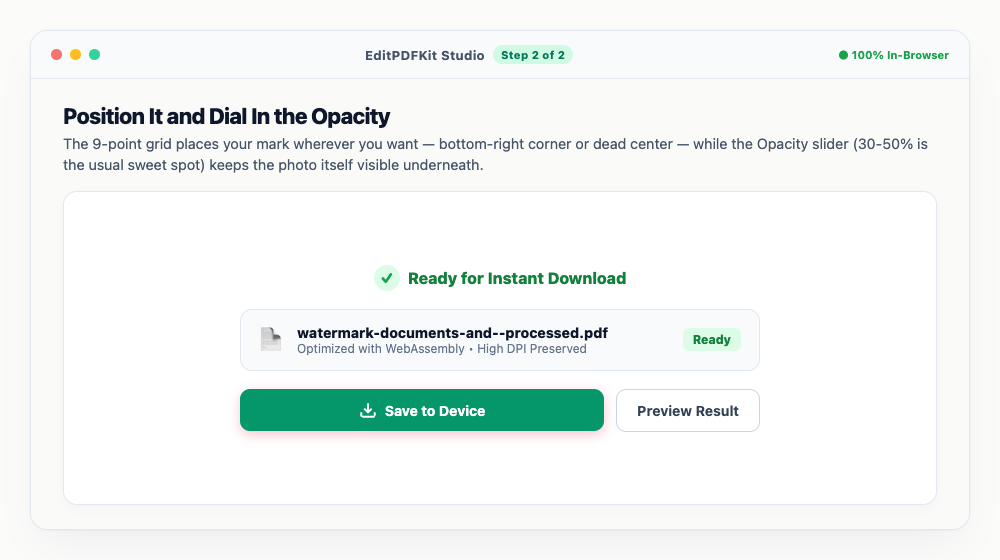
The 9-point grid places your mark wherever you want — bottom-right corner or dead center — while the Opacity slider (30-50% is the usual sweet spot) keeps the photo itself visible underneath.
Sending proofs to a client before approval? Flip on 'Tile Pattern' so the mark can't just be cropped away.
- 4
Download the Branded Set
'Save Photo' or 'Download All as ZIP' exports your watermarked files at full original resolution.
Once exported, the watermark is baked permanently into that file — your unwatermarked original stays untouched separately.
Why use EditPDFKit for this
- Text & Logo support: type custom copyright text or upload your company logo PNG
- 9-Point Anchor Alignment: pin your mark to top-left, center, bottom-right, etc.
- Tile Repeat Mode: covers the entire image in an anti-theft diagonal grid pattern
- Custom opacity and rotation: dial in subtle elegance or bold copyright notices
What Is Watermarking?
Watermarking means overlaying a visible text mark or logo onto a photo or document, permanently baked into the exported file, to deter unauthorized reuse or clearly signal that what's being shared isn't a final, approved version. A photographer delivering unwatermarked proofs before final payment, a real estate agency whose listing photos keep getting lifted by competitor sites, or a law firm circulating a draft contract that shouldn't be confused with the signed version all need the same basic protection: a mark that discourages casual copy-paste reuse without requiring legal action after the fact.
A subtle single-corner mark is easy to crop out; a tiled, repeating pattern across the whole image closes that gap by leaving no clean region left to crop around.
Typical Situations This Solves
Photographers, content creators, legal teams, and real estate agencies all reach for watermarking for related but distinct reasons. A photographer sending client proofs before final payment needs the images viewable for approval but protected from being used before the invoice is settled. A real estate agency sharing listing photos across multiple platforms needs branding visible enough to deter a competing site from re-hosting them as their own.
A legal team circulating a draft contract needs a clear "DRAFT" or "CONFIDENTIAL" mark so nobody mistakes it for the executed version. Content creators sharing preview images on social media before a final release need their brand attached to every copy that might get screenshotted or reshared.
Features Worth Knowing About
Text and logo support covers both a typed copyright line (like "© 2026 John Doe Photography") and an uploaded transparent logo PNG, so branding doesn't require designing a text mark from scratch. The 9-point anchor grid pins your mark to any corner or the center with one click, and custom opacity and rotation let you dial in anything from a subtle, barely-there signature to a bold, unmissable copyright notice.
Tile Repeat Mode is the strongest protection option: it covers the entire image in a repeating diagonal grid, closing the crop-it-out loophole that a single corner mark leaves open — genuinely useful when sending draft proofs where theft is a real concern.
Why It Takes Almost No Effort
Watermarking a whole shoot is four steps — add your photos (up to 30 at once), type your text or upload a logo, position it and set the opacity, then download. There's no design software needed and no account required; clean modern font options are built in for text watermarks.
Your original, unwatermarked file stays completely untouched on your device — the watermarked version exports as a separate new file, so there's no risk of permanently altering the source photo while experimenting with placement and opacity.
Frequently asked questions
Can people remove the watermark with AI tools?
A semi-transparent tile repeat pattern spanning across high-detail areas makes AI inpainting removal extremely difficult and visually noticeable, offering the highest level of image theft deterrence.
Does watermarking overwrite my original photo?
No. Your original photo remains untouched on your device. The watermarked version is saved as a new file.
Do I need to install any software to add custom text and logo watermarks to protect your work?
There's no app to install. This workflow — add custom text and logo watermarks to protect your work — runs directly inside your web browser using our watermark image tool, powered by WebAssembly. No sign-up wall, no extension, and nothing additional to install.
Is this approach suitable for photographers?
Yes, this is commonly used by photographers, content creators, legal teams, and real estate agencies. This runs the same way on desktop, Android, and iOS, with the file staying on your device the entire time.
Can I use my logo instead of typed text as the watermark?
Yes. Switch to 'Image' mode in the sidebar and upload a transparent PNG of your logo — it is placed and scaled using the same 9-point anchor grid and opacity slider as a text watermark.
What opacity should I use so the watermark doesn't ruin the photo?
30%-50% opacity is the usual sweet spot: strong enough to deter unauthorized reuse but light enough that the underlying photo, including fine detail like faces or product texture, stays clearly visible underneath.
Protecting shared photos from unauthorized reuse is mostly a question of matching the watermark's strength to the actual threat: a tiled pattern across the whole frame for draft proofs or stock-style distribution where theft is a real concern, versus a lighter single corner mark for simple attribution. Either way, dialing in opacity and position before sending means the recipient can still properly evaluate the photo. Open the Add Watermark tool before your next batch of client proofs or listing photos goes out.
Pairs well with
Pixelate / Redact Image
Drag a box over a face or an account number and pixelate it away, destructively, in the exported file.
Protect PDF (Encrypt)
Set an open password, decide what readers may print or copy, and write a genuinely encrypted PDF.
Remove PDF Metadata & EXIF Cleaner
Clear author names, timestamps and software traces from a PDF, or wipe GPS and camera data out of a photo.
Related posts
Image Cropping
How to Crop Photos into Perfect Circles and Profile Avatars
Image Compression
How to Compress Images to 200KB (or Any Target Size) Without Quality Loss
Document Security
How to Password Protect and Encrypt a PDF Document
Document & Photo Security
How to Add Watermarks to PDF & Images Online Free (Batch Text & Logo Stamping)
PDF Watermarking & Copyright
How to Add Confidential and Draft Watermarks to PDF Pages Online