
How to Add Watermarks to PDF & Images Online Free (Batch Text & Logo Stamping)
Prevent unauthorized distribution and copyright theft by stamping confidential text watermarks or company logos across your PDF documents and photo files. EditPDFKit provides full control over font size, color, opacity, diagonal rotation, and tiled repeat patterns—100% free with zero cloud uploads.
Protecting a batch of proprietary photos or a stack of contract drafts against unauthorized reuse usually isn't a one-file problem — it's a whole folder's worth of files that all need the same consistent protection applied, whether that's a photographer watermarking an entire shoot before sending proofs to a client, or an HR department stamping 'SAMPLE' across a batch of template documents before internal distribution. Doing this one file at a time in a basic image editor or PDF viewer is tedious enough that people often just skip it, leaving unprotected assets circulating that really shouldn't be.
Open Watermark PDF now
Step by step
4 steps- 1
Load a Batch of PDFs or Images
Drag a document or a whole folder of images into the Watermark workspace — the tool renders a high-resolution preview of each one as it loads.
Open Watermark PDF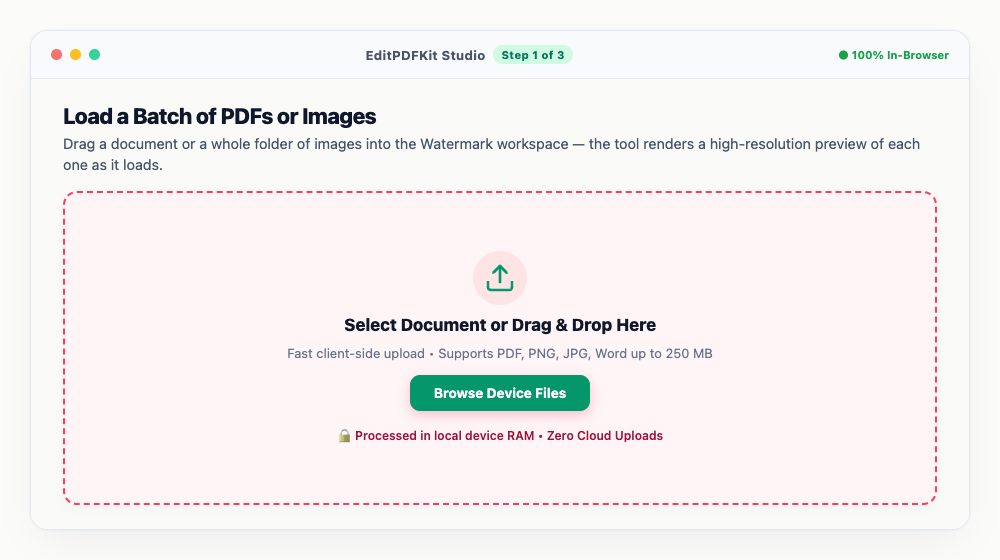
One contract or fifty images, the batch process treats both the same way, so there's no reason to do them one at a time.
- 2
Go With Text or a Logo Stamp
'Text Stamp' lets you type something like 'CONFIDENTIAL,' 'DRAFT,' or your company name; 'Image Stamp' takes a high-res transparent PNG of your actual logo instead.
A copyright notice reads more official with the © symbol plus your business name or site URL included.
- 3
Tune Opacity, Angle, and Whether It Tiles
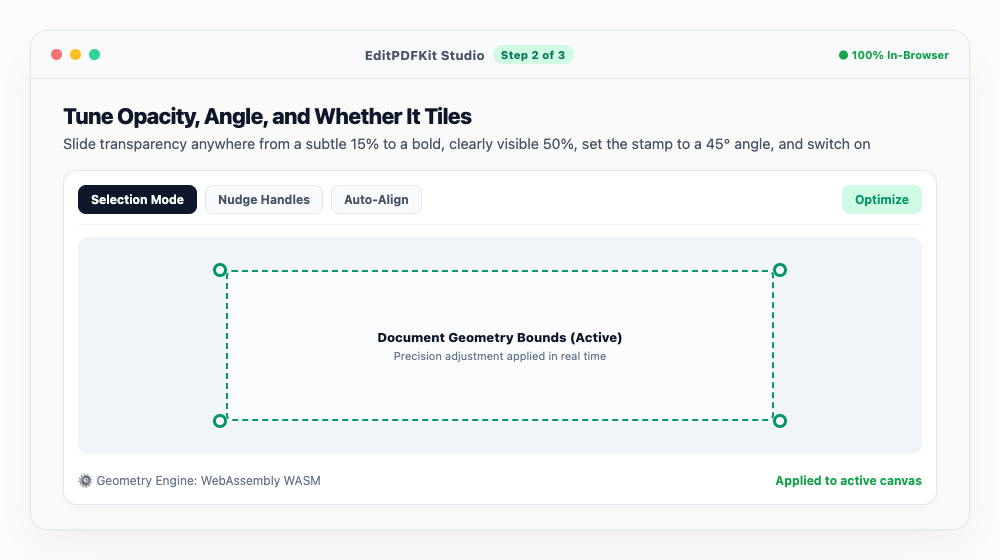
Slide transparency anywhere from a subtle 15% to a bold, clearly visible 50%, set the stamp to a 45° angle, and switch on 'Tile Pattern' if you want it repeating diagonally across the whole page.
A tiled diagonal pattern is much harder to crop out than a single logo sitting quietly in one corner.
- 4
Check the Preview and Export
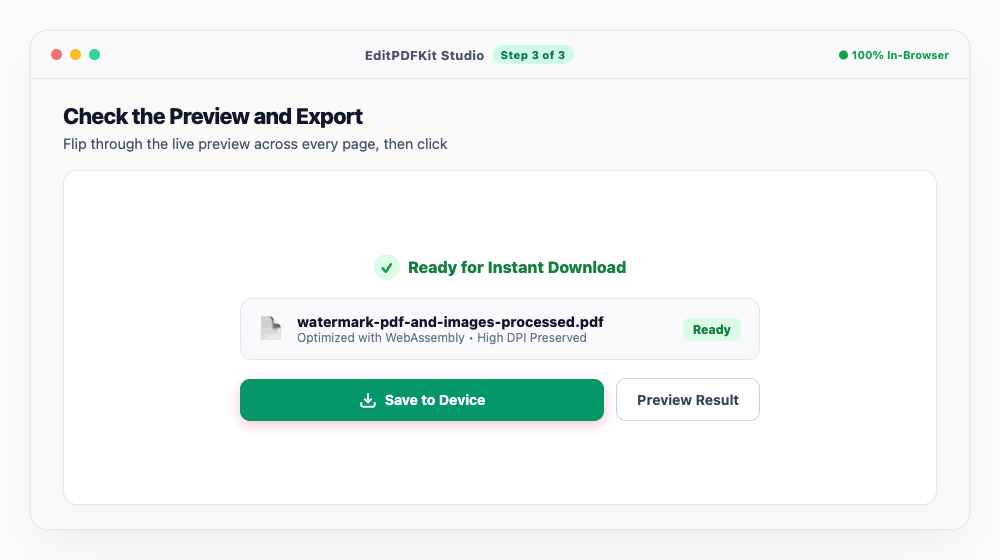
Flip through the live preview across every page, then click 'Save Watermarked PDF' or 'Download Images' to export the finished batch immediately.
Pass the result through Flatten PDF afterward if you want the watermark permanently locked in against removal by other editors.
Why use EditPDFKit for this
- Universal Watermarking: stamp both multi-page PDF documents and graphic images (JPG, PNG, WebP)
- Custom Text & Logo Support: enter custom text ('CONFIDENTIAL', 'SAMPLE', copyright ©) or upload transparent PNG logos
- Tiled Pattern Protection: repeat watermarks across the entire page diagonally to stop cropping theft
- Precision Opacity & Angle Sliders: adjust transparency from subtle 15% watermark to prominent stamps
- 100% Client-Side Privacy: confidential agreements and unreleased product photos never touch a remote server
What Is Batch Watermarking?
Batch watermarking means applying the same text or logo stamp — with the same opacity, angle, and tiling settings — across an entire folder of PDFs or images at once, rather than repeating the same manual overlay steps file by file. Protecting a photo shoot or a stack of contract drafts is usually a whole-folder problem, not a single-file one, and doing it one file at a time in a basic editor is tedious enough that people often skip it entirely. EditPDFKit's Watermark tool treats a batch of files the same way it treats a single one.
When People Reach for This
Photographers watermarking an entire shoot before sending proofs to a client need consistent protection across dozens of images at once, while legal counsel stamping 'DRAFT' or 'CONFIDENTIAL' across a batch of contract templates needs the same mark applied uniformly before internal distribution. Real estate agencies and HR departments both have recurring document sets — listings, policy templates — that need the same protective stamp applied repeatedly, and business owners protecting proprietary assets face the same batch-scale version of the problem regardless of file type.
In every case, the alternative — watermarking files one at a time — is tedious enough that it often just doesn't happen.
Built-In Features That Help
Universal Watermarking handles both multi-page PDF documents and image files (JPG, PNG, WebP) from the same interface, so a photographer and a law firm don't need two separate tools. Custom Text & Logo Support covers both a typed message like 'CONFIDENTIAL' or a copyright notice, or an uploaded transparent PNG of an actual logo.
Tiled Pattern Protection repeats the watermark diagonally across the entire page or photo, which closes the 'just crop the corner out' loophole a single stamp leaves open, and Precision Opacity & Angle Sliders let you dial in anywhere from a subtle 15% mark to a bold, clearly visible stamp.
Why This Approach Is Effortless
The process is four steps: load a batch of PDFs or images, choose text or a logo stamp, tune opacity and tiling, then check the preview and export. No account or software install is needed, and whether it's one contract or fifty images, the batch process treats both the same way — with everything rendering locally in your browser, unreleased product photography and confidential agreement drafts never have to leave your device to get protected.
Frequently asked questions
Can I watermark both PDF documents and photo files (JPG/PNG)?
Yes! EditPDFKit supports stamping watermarks onto multi-page PDF contracts as well as image formats like JPG, PNG, and WebP, making it ideal for both business documents and photography portfolios.
What is the benefit of a tiled watermark over a single center stamp?
A single watermark placed in the center or corner can often be cropped out or obscured. Tiling repeats the stamp diagonally across the entire surface of each page, ensuring that no section can be reused without displaying your copyright.
Can someone easily remove the watermark using an online editor?
To ensure your watermark is irreversible, we recommend chaining the Watermark tool with our Flatten PDF tool. Flattening converts the watermark annotations and text layers into an uneditable static graphic, locking it permanently into the document.
Are my confidential files uploaded to any server during watermarking?
Never. Watermark rendering, canvas composition, and PDF re-encoding take place entirely inside your device's browser memory via WebAssembly. Your proprietary files remain 100% private.
Do I need to install any software to add watermarks to pdf & images online free (batch text & logo stamping)?
No software download is necessary. The entire process — add watermarks to pdf & images online free (batch text & logo stamping) — runs directly inside your web browser using our watermark pdf tool, powered by WebAssembly. It works without an account, an extension, or any download.
Is this approach suitable for photographers?
Absolutely. This is a frequent need for photographers, legal counsel, real estate agencies, hr departments, and business owners protecting proprietary assets. Your file stays local throughout, on desktop, Android, or iOS alike.
Batch watermarking exists specifically so that protecting a whole shoot, a whole contract template library, or a whole set of product renders doesn't mean repeating the same manual steps dozens of times over. Set the opacity, rotation, and tiling once, apply it across the whole batch, and — because everything renders locally in your browser — unreleased product photography and confidential agreement drafts never have to leave your device to get that protection applied.
Pairs well with
Pixelate / Redact Image
Drag a box over a face or an account number and pixelate it away, destructively, in the exported file.
Protect PDF (Encrypt)
Set an open password, decide what readers may print or copy, and write a genuinely encrypted PDF.
Remove PDF Metadata & EXIF Cleaner
Clear author names, timestamps and software traces from a PDF, or wipe GPS and camera data out of a photo.
Related posts
PDF Watermarking & Copyright
How to Add Confidential and Draft Watermarks to PDF Pages Online
PDF Redaction & Sanitization
How to Black Out and Redact Sensitive Information in PDF Documents Permanently
Document Security
How to Password Protect and Encrypt a PDF Document
Image Annotation & Markup
How to Annotate, Blur Sensitive Areas, and Markup Screenshots Online
Watermarking
How to Add Custom Text and Logo Watermarks to Protect Your Work