
How to Rotate Upside-Down Scanned PDF Pages Permanently (Without Adobe Acrobat)
When scanning multi-page documents through automatic document feeders or smartphone apps, sheets often come out rotated sideways or inverted 180 degrees. Standard desktop viewers only temporarily rotate the on-screen display. With EditPDFKit Rotate Studio, you can permanently update the internal vector orientation matrix of single pages, odd/even pages, or entire files without re-encoding or losing text layers.
Flatbed scanners and automatic document feeders (ADFs) are notorious for misjudging page orientation, especially when a stack of paper has been fed through in mixed batches or double-sided mode. The result is a PDF where every third or fourth page lands upside down or sideways relative to the rest of the document — a problem that gets worse, not better, once you try to fix it. Most people's first instinct is to open the file in their operating system's default PDF viewer and use the 'rotate view' button, not realizing that this only changes how the page is displayed on that specific screen at that specific moment. Close the file and reopen it, or send it to someone else, and the page snaps right back to its original orientation. For anything that matters — a signed contract, a scanned transcript, a legal exhibit — that's a real problem, because the person on the other end sees exactly what's stored in the file, not what your screen happened to show you.
The fix has to happen at the file level, not the viewer level: the PDF's own page rotation metadata needs to be rewritten so every device, every viewer, and every printer renders the same upright page.
Open Rotate PDF now
Step by step
4 steps- 1
Bring Your Scanned PDF Into the Rotate Studio
Drag the scanned file onto the Rotate PDF Studio, or tap to browse for it on your device. The document loads straight into a visual thumbnail grid so you can see its current orientation page by page.
Open Rotate PDF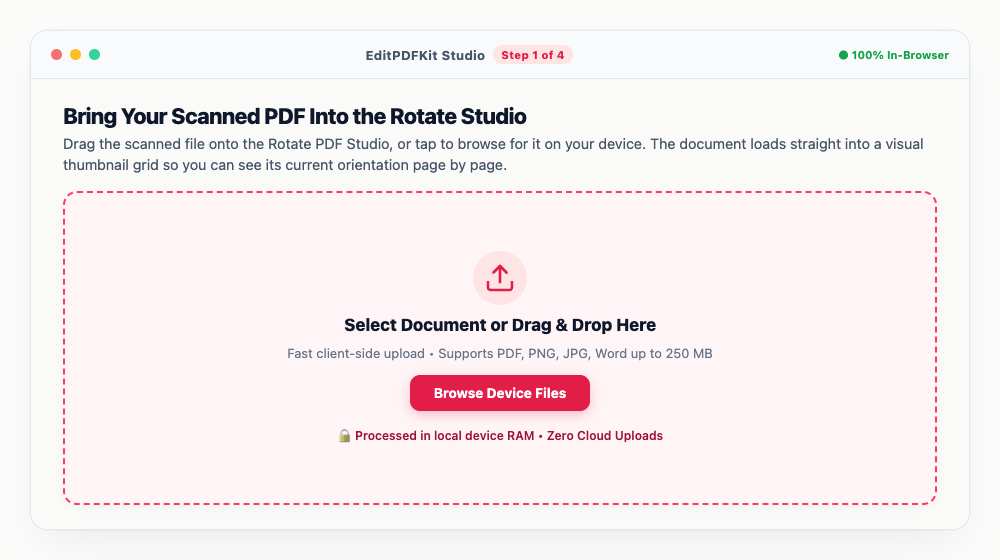
There's no cap on page count here — a 300-page duplex scan loads just as easily as a 2-page letter.
- 2
Fix the Sideways or Upside-Down Pages
Scan the thumbnail grid for anything facing the wrong way, then hover over it and tap +90° or -90° to spin it right-side up. Spotted a duplex pattern where every other page is flipped? Use the Odd/Even bulk buttons in the toolbar instead of clicking through pages one at a time.
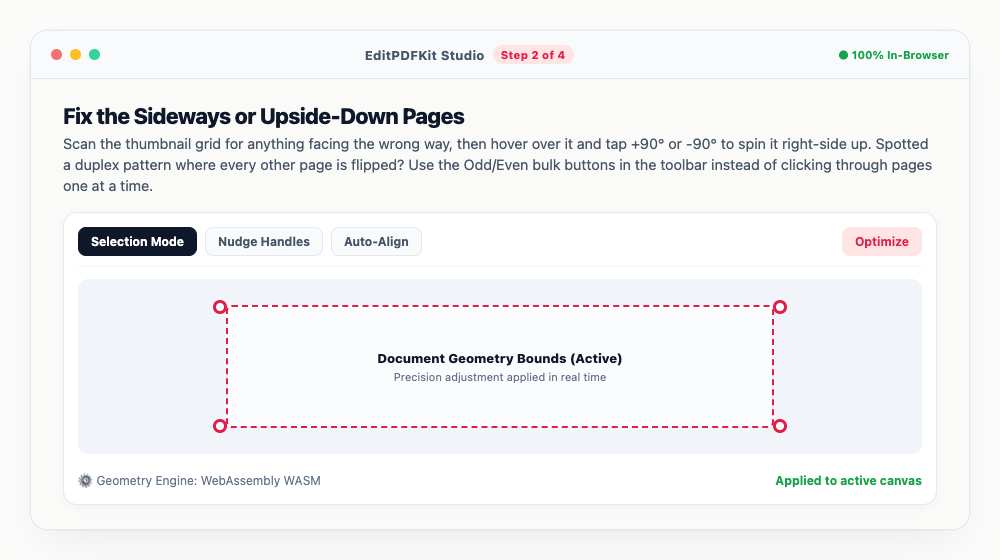
A live preview animates the flip as you click, so you always know exactly what you're about to save before committing to it.
- 3
Double-Check Every Page in Fullscreen
Flip over to the Fullscreen Preview tab for a closer look at the corrected pages — this is the moment to catch any orientation that still looks off before you finalize the file.
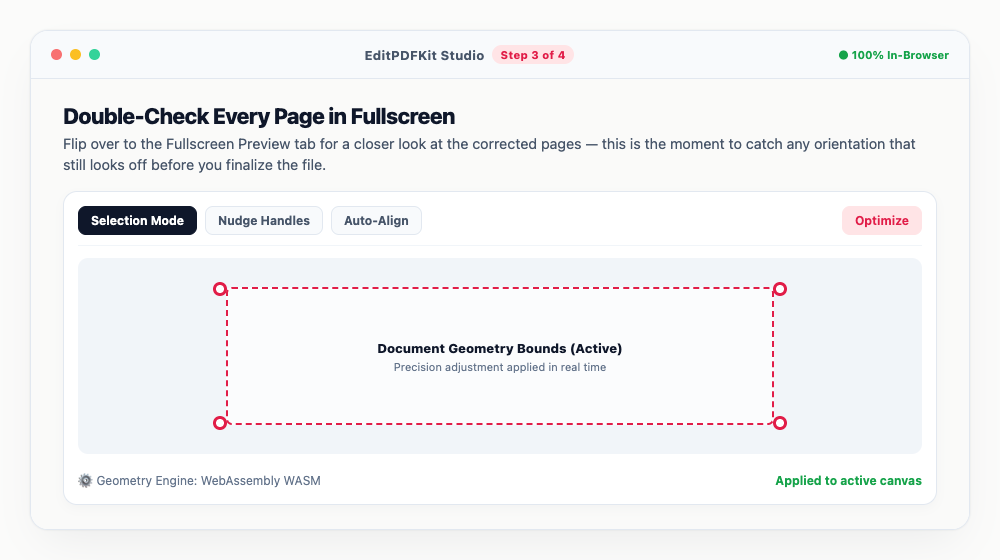
Zoom in on footnotes and table cells; small text is the easiest thing to miss at a glance.
- 4
Name It and Lock In the Rotation
Pick a filename, then hit 'Apply & Rotate.' The corrected PDF compiles in your browser within seconds, with the new orientation written permanently into the file.
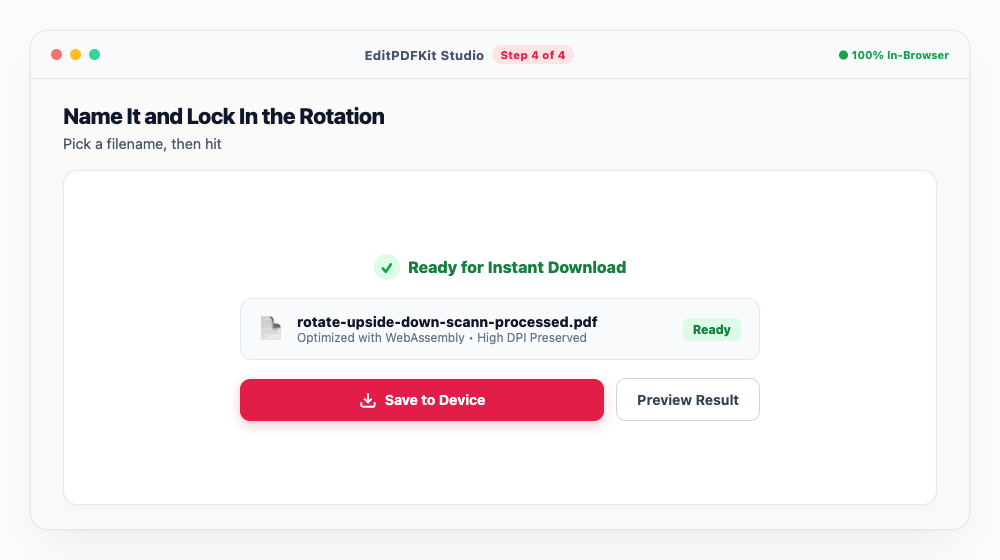
Tap 'Save to Vault' if you want an offline copy stashed in your private browser storage for later.
Why use EditPDFKit for this
- Permanent Orientation Fix: updates the internal PDF rotation dictionary so pages open upright everywhere
- Single-Page Granularity: rotate only inverted pages without altering the rest of your document
- Duplex Scan Solver: one-click bulk tools for odd-only or even-only inverted pages
- 100% Client-Side Privacy: confidential financial statements and contracts never leave your device
What Is Permanent PDF Page Rotation?
Permanent page rotation means rewriting a PDF page's internal /Rotate attribute — the number in its page dictionary that tells every viewer how many degrees to turn the content before displaying it — rather than just changing how the page looks on one screen for one session. A standard desktop viewer's 'rotate view' button only adjusts that temporary on-screen display; close the file or send it to someone else and it snaps back to its original orientation. EditPDFKit's Rotate Studio instead writes the corrected orientation directly into the file's own structure, so the fix travels with the document itself rather than depending on the specific app or device that happens to open it next.
Common Use Cases
Job applicants uploading scanned certificates run into this constantly, since a single upside-down page in an otherwise correctly oriented stack is enough to get an application flagged. Legal clerks organizing exhibits need every page to read upright regardless of which scanner or feeder originally captured it, and accountants archiving years of receipts often inherit entire folders scanned in mixed orientations by different office machines over time.
Duplex (double-sided) document feeders are a particularly common source of this problem: scanning front-and-back in one pass often flips every even-numbered page 180 degrees relative to the odd pages, producing a file where half the content reads upside down. Students scanning textbook chapters with a phone camera hit a similar issue if they rotate the phone between shots of different pages.
Key Features That Make This Easy
The Duplex Scan Solver targets exactly the alternating-orientation pattern a double-sided feeder produces, letting you fix every even page or every odd page in one click instead of clicking through a 300-page document one sheet at a time. Single-Page Granularity means you're never forced to rotate the whole file just because one page came out sideways — correct only the pages that actually need it and leave the rest untouched.
Because the rotation is a permanent update to the file's own orientation attribute rather than a rendered bitmap flip, there's zero quality loss and the file size barely changes — your original vector text, embedded fonts, and image data all pass through completely unmodified.
Why It's Simple to Use
There's no account to create and nothing to install — Rotate Studio runs directly in your browser, and the whole workflow is four steps: load the file, spin whatever's facing the wrong way with a click (or use the Odd/Even bulk buttons for duplex scans), check the fullscreen preview, then download. A 300-page scan loads and corrects just as readily as a 2-page letter, and because everything processes locally, a confidential financial statement or legal exhibit never has to leave your device just to get rotated upright.
Frequently asked questions
Why does my rotated PDF keep opening upside down when emailed to others?
Standard PDF viewers only change the temporary viewing angle in that specific app session without saving changes to the file. EditPDFKit writes the new orientation directly into the PDF's internal page rotation metadata, guaranteeing it opens right-side up on any device, email client, or mobile viewer.
Can I rotate only odd or even pages from a duplex scan?
Yes! If a double-sided automatic document feeder flipped alternate pages upside down, click 'Odd Pages' or 'Even Pages' in the bulk toolbar to fix all inverted sheets in a single click.
Will rotating pages reduce image clarity or break selectable text?
Not at all. EditPDFKit adjusts the vector bounding box and transformation matrix. Selectable fonts, hyperlinks, bookmarks, and high-resolution images remain completely untouched.
Are my confidential files uploaded to any external server?
Zero files are uploaded. The rotation engine runs entirely in your local browser memory using WebAssembly, ensuring 100% privacy for sensitive legal or financial documents.
Do I need to install any software to rotate upside-down scanned pdf pages permanently (without adobe acrobat)?
No installation is required. This entire workflow — rotate upside-down scanned pdf pages permanently (without adobe acrobat) — runs directly inside your web browser using our rotate pdf tool, powered by WebAssembly. There's nothing to download, no browser extension, and no account sign-up.
Is this approach suitable for job applicants uploading certificates?
Yes. This exact workflow is built for job applicants uploading certificates, legal clerks organizing exhibits, accountants archiving receipts, and students scanning textbooks. Every file stays on your own device, and the same workflow works on desktop, Android, and iOS.
Fixing page orientation shouldn't require installing desktop software or learning Adobe Acrobat's menus just to flip a few scanned pages the right way up. Because EditPDFKit rewrites the actual rotation metadata inside your PDF, the fix travels with the file wherever it goes — into an email, onto a government portal, or printed at a copy shop — instead of resetting the moment someone else opens it on their own device. If your document came from a duplex scanner, start with the Odd/Even bulk tools before fixing anything manually; it'll usually solve the whole file in one click.
Pairs well with
Bates Numbering
Burn a prefixed, zero-padded number like DOC-00001 into a corner of every page, one increment per page.
Compare Two PDFs
Extract the text from an original and a revised PDF and read the line-by-line differences in one highlighted stream.
Compress PDF to 100KB
Reduce PDF file sizes under 100KB for government portals, exams, and job applications.
Related posts
PDF Management
How to Merge Multiple PDF Files into One Document Online
PDF Splitting
How to Split PDF Pages into Separate Files or Extract Selected Pages Free
Visa & Job Portal Uploads
How to Compress a PDF Under 200KB for Visa, Job & Government Portals
Document Scanning
How to Scan Physical Documents into Clean PDFs with Your Phone Camera
PDF Editing
How to Edit Existing Text in a PDF and Add a Digital Signature